Approvals
Approvals is a central queue where documents that need sign-off — quotations, budgets, purchase orders, and invoices — are routed to the people allowed to approve them.
What gets routed
Some document types flip the source document’s status when a final decision is made:
- Quotation
- Budget
- Purchase Order
- Invoice
Other types can also be tracked through the queue without changing a finance status:
- Contract
- Vendor Onboarding
- Event Kickoff
- Social Post
- Other
Multi-step chains
Routing follows an approval policy per document type, with ordered steps:
- Each Approve advances the request to the next step, and the request stays Pending.
- Only the last approver’s Approve finalizes the request as Approved.
- A Reject at any step is terminal — it ends the chain immediately.
On a final decision, the source document updates atomically:
| Final decision | Source document becomes |
|---|---|
| Approved | Approved |
| Rejected | Returns to Draft |
The queue (list)
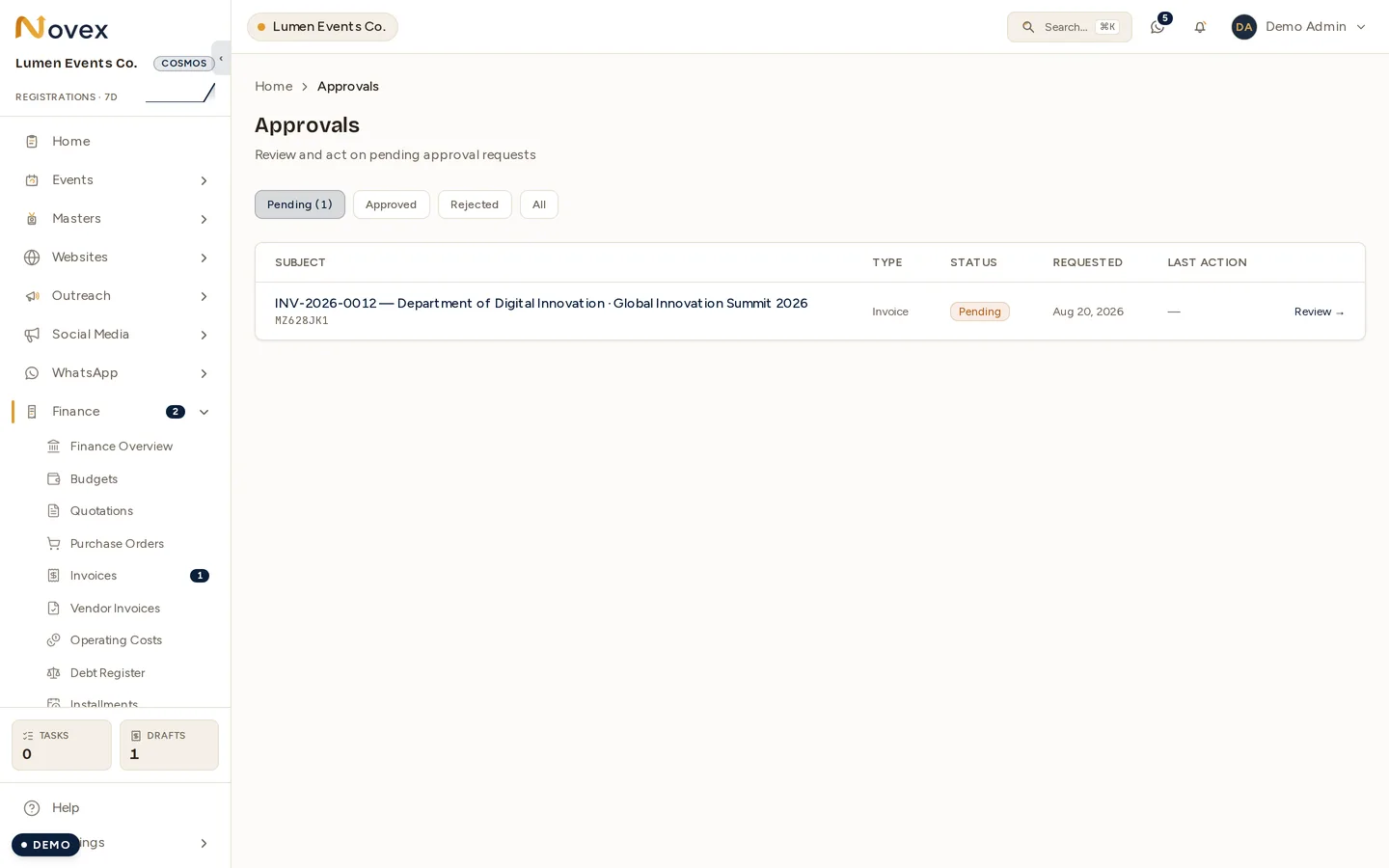
The list opens on Pending by default and offers tabs:
- Pending (shows a live count badge)
- Approved
- Rejected
- All
Each row shows:
- The document reference (links to the source document)
- Type
- Status
- Requested date
- Last action
- A Review link
The list renders as a table on desktop and as cards on mobile.
Review screen, step by step
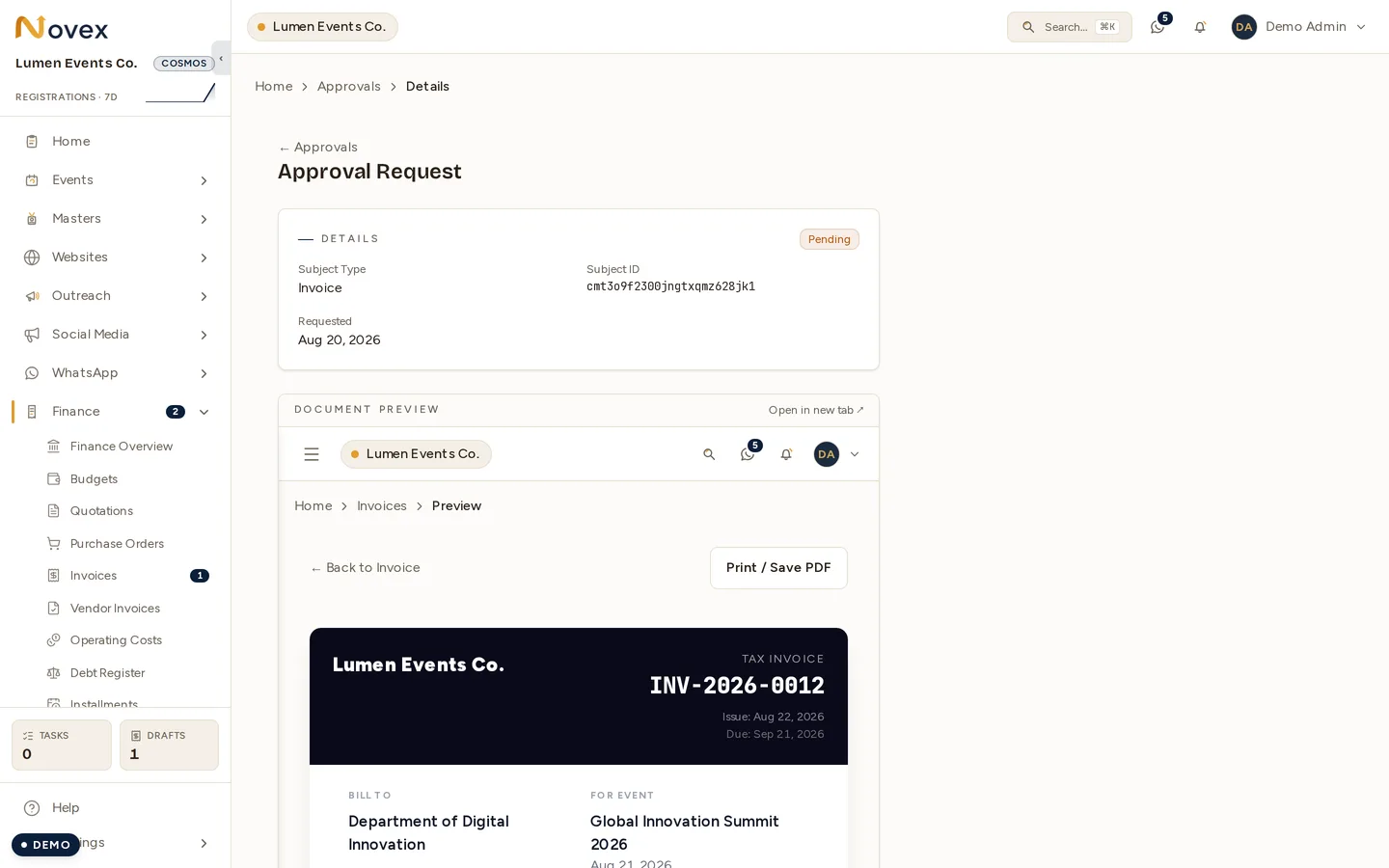
- Open a request from the queue.
- A top card shows the request metadata.
- An inline document preview appears. For Quotation, Invoice, and Purchase Order the actual branded document is embedded in a panel (with an Open in new tab link) so you read it before deciding. Other types show a deep link to the source instead.
- An action-history list shows prior decisions, comments, and timestamps.
- If the request is still Pending, a decision form offers Approve, Reject, Request Changes, and Comment, plus an optional comment box.
Notifications
When a request lands on a step, the named approver of that step receives an in-app notification.
Permissions
The permission needed to push a decision depends on the document type. Anyone can open the queue, but acting requires the matching approve permission. Commenting needs only the read permission for that type.
| Document type | Permission to approve/reject |
|---|---|
| Quotation | quotes.approve |
| Budget | budgets.approve |
| Purchase Order | procurement.approve |
| Invoice | invoices.approve |
| Contract | contracts.write |
| Other types | events.write |