Venues
A venue in Novex is a saved record of a location where you run events — its address, capacity, type and contact details. Once a venue is in your directory you can reuse it across events instead of re-entering its details each time.
When to use venues
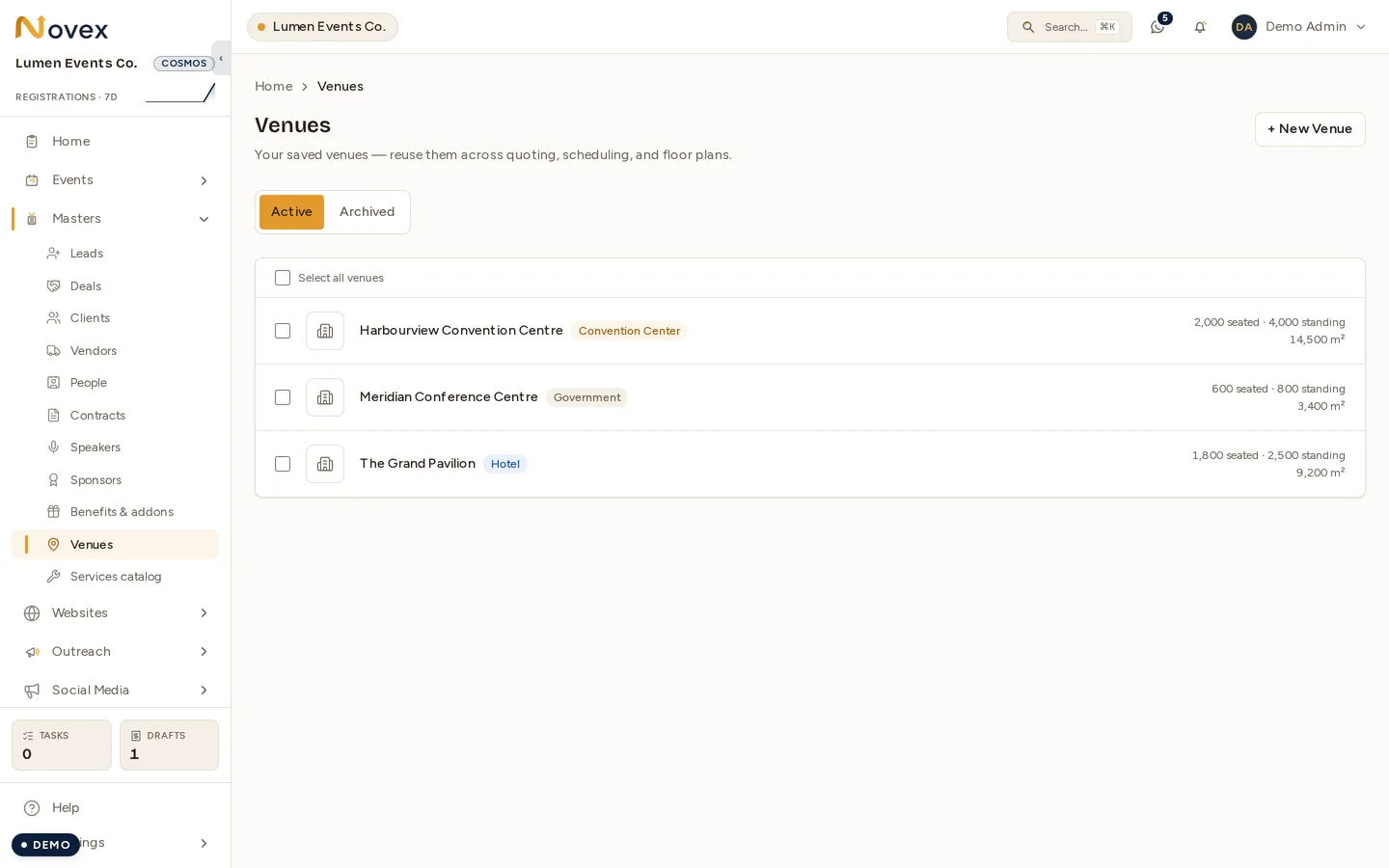
Add a venue whenever you have a location you’ll book more than once, or when you want to track an event’s location formally so it flows into quotations, run sheets and on-site logistics. A venue can be one you own, a hotel ballroom, a convention centre or an outdoor site.
Create a venue
- Go to Venues and choose + New venue.
- Enter the venue name and select a type (see the table below).
- Add the address — city and country support localized geo names.
- Record capacity, contact person and any notes (load-in access, parking, AV on-site).
- Optionally attach a photo or floor reference image.
- Save. The venue now appears in your directory and is selectable when you create or edit an event.
Venue types
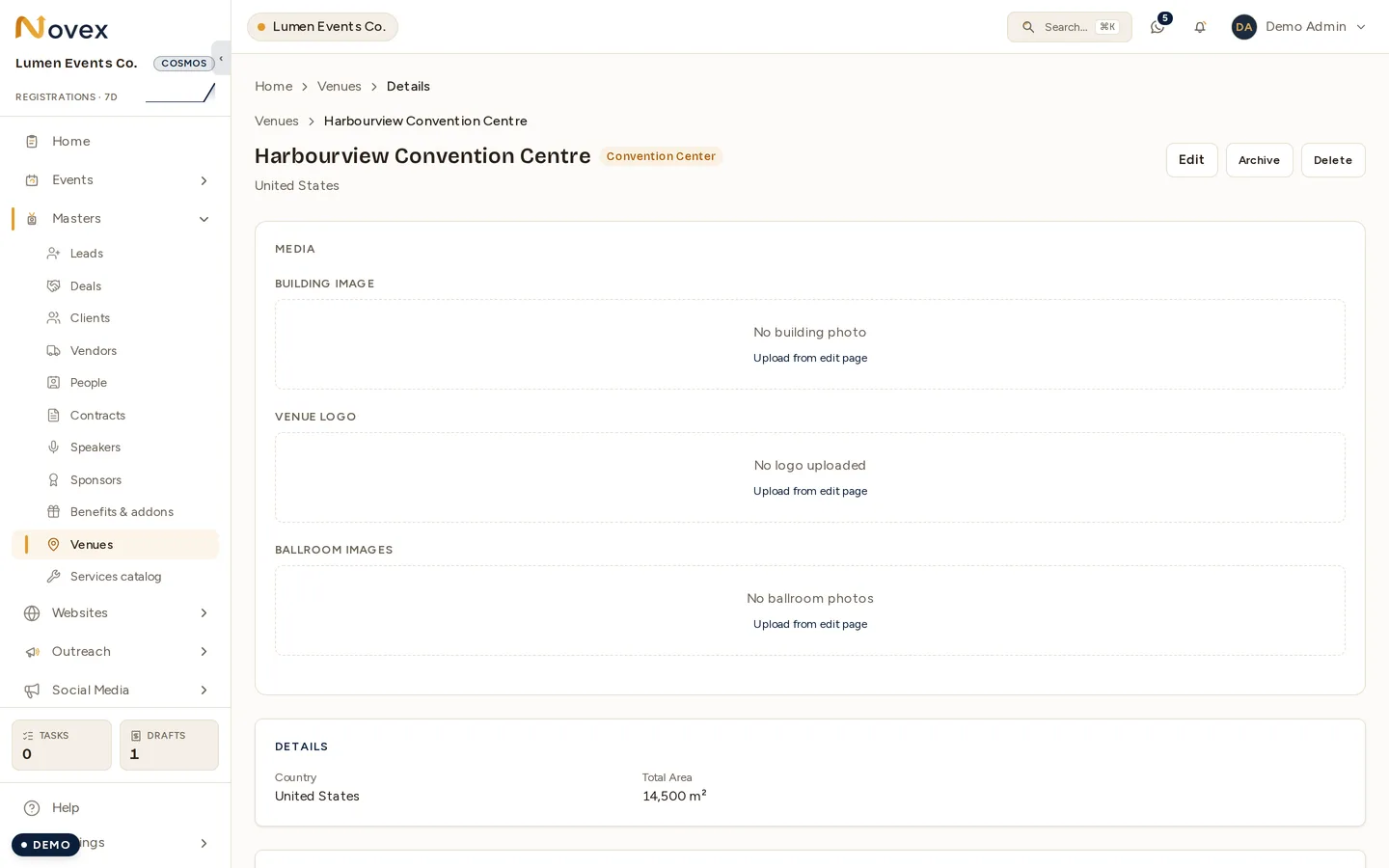
A venue’s page carries its media as well as its numbers. The one above has none uploaded yet, so the three slots invite one from the edit page.
| Type | Typical use |
|---|---|
HOTEL | Ballrooms, meeting rooms, in-house catering |
CONVENTION_CENTER | Large exhibitions and conferences |
OUTDOOR | Open-air festivals, activations |
CORPORATE | Client or partner premises |
CULTURAL | Museums, heritage and arts spaces |
GOVERNMENT | Public-sector facilities |
STADIUM | Large-scale ticketed events |
PRIVATE | Private estates and residences |
OTHER | Anything that doesn’t fit above |
Availability & booking
Link a venue to an event to mark it as the event’s location. Because each event carries its own dates, you can see which events already point to a given venue and avoid double-booking. Treat the venue record as the source of truth for the location; booking confirmation and contracts are tracked alongside the event.
Tips & limits
- Archived venues are hidden from the active list but kept for historical events — they aren’t deleted.
- Keep capacity accurate; it’s the basis for catering headcount and seating planning downstream.
- The directory list shows your most recent venues; use search if you maintain a large catalogue.