Copilot overview
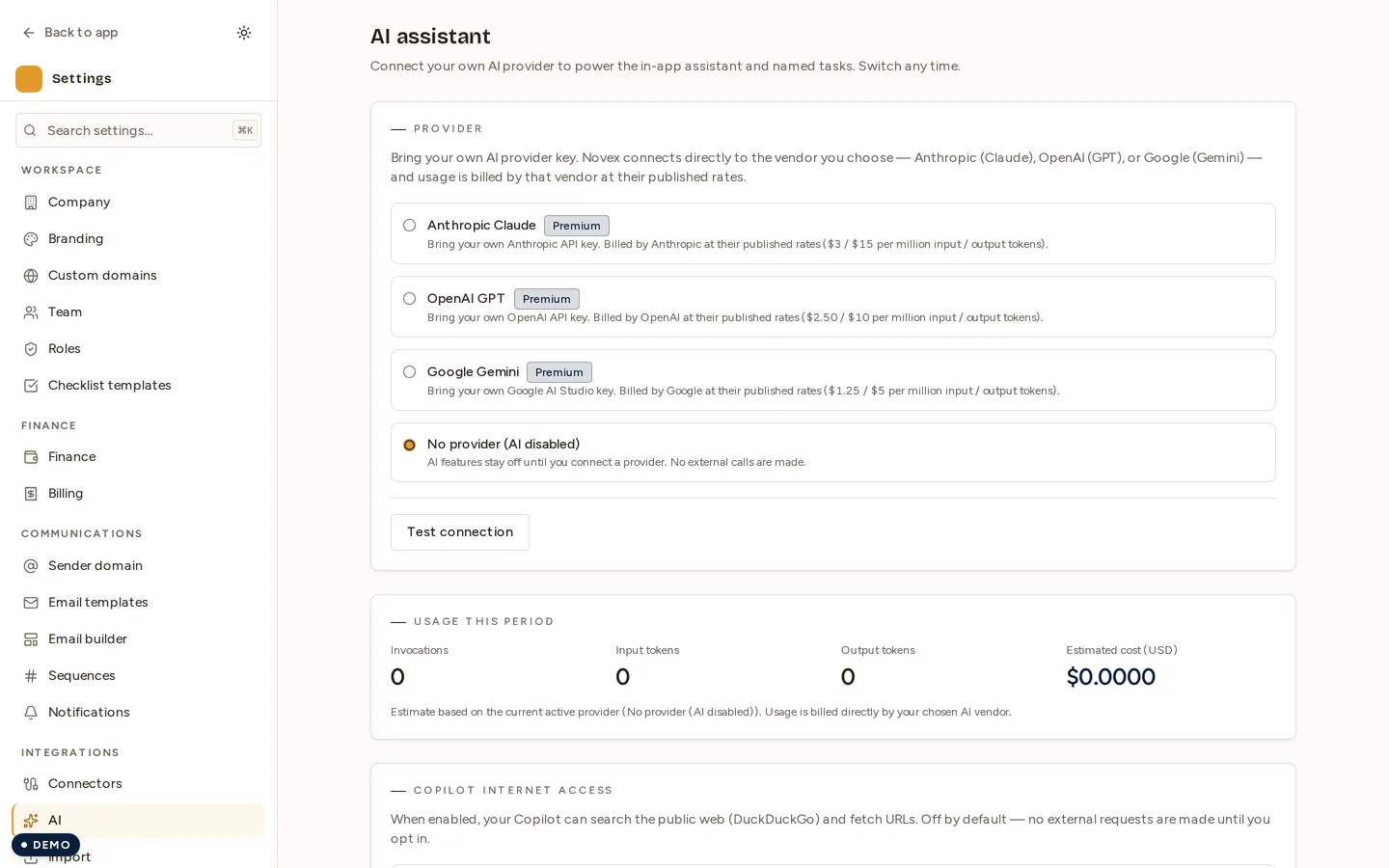
The Copilot is your in-app AI assistant: it drafts text, summarizes information, and answers questions about the data already in your workspace, keeping a conversation history and letting you save drafts you want to reuse. It runs on the AI provider you connect — Anthropic, OpenAI or Google — using your own API key, so what you type is sent to that provider. See Novex AI Copilot for what that means for your data.
What the Copilot can do
| Task | Example |
|---|---|
| Draft emails & replies | “Write a follow-up to the sponsor confirming next steps.” |
| Summarize | “Summarize this client’s recent activity into three bullets.” |
| Answer data questions | “Which quotes are still awaiting approval this week?” |
| Refine your writing | “Make this message warmer and shorter.” |
The Copilot works against the context of your own workspace, so its answers and drafts are grounded in your actual events, clients, and records — not generic boilerplate.
Conversations
Your interactions are organised as conversations, so you can keep a thread of back-and-forth with the assistant rather than starting from scratch each time:
- Open the Copilot from within the app.
- Type your request in plain language.
- Read the response and refine with a follow-up — the Copilot remembers the thread’s earlier turns.
- Start a new conversation when you switch to an unrelated task.
Saved drafts
When the Copilot produces something useful — a polished email, a summary you will send on — you can save the draft so you can return to it, edit it, and reuse it later instead of regenerating it.
Where your data goes
This is the most important point: it stays in Novex. The Copilot is served by a model that Novex hosts and runs privately. Your prompts and the workspace data the Copilot reads to answer you are not handed to any third-party AI provider. That makes it safe to ask about real client, event, and finance data.
Tips & limits
- Be specific. Clear, scoped requests produce better drafts and answers.
- Always review AI output before sending it to a client or acting on it — treat drafts as a strong starting point, not final copy.
- Mind your plan’s limits. Copilot usage is tracked and capped per plan — see Usage & limits.
- Availability of the Copilot for each teammate can be controlled in Settings → AI.