Company profile
The company profile sets the legal identity of your workspace — the values that appear on official documents and feed Saudi tax invoices.
Where to find it
Go to Settings → Company.
Fields
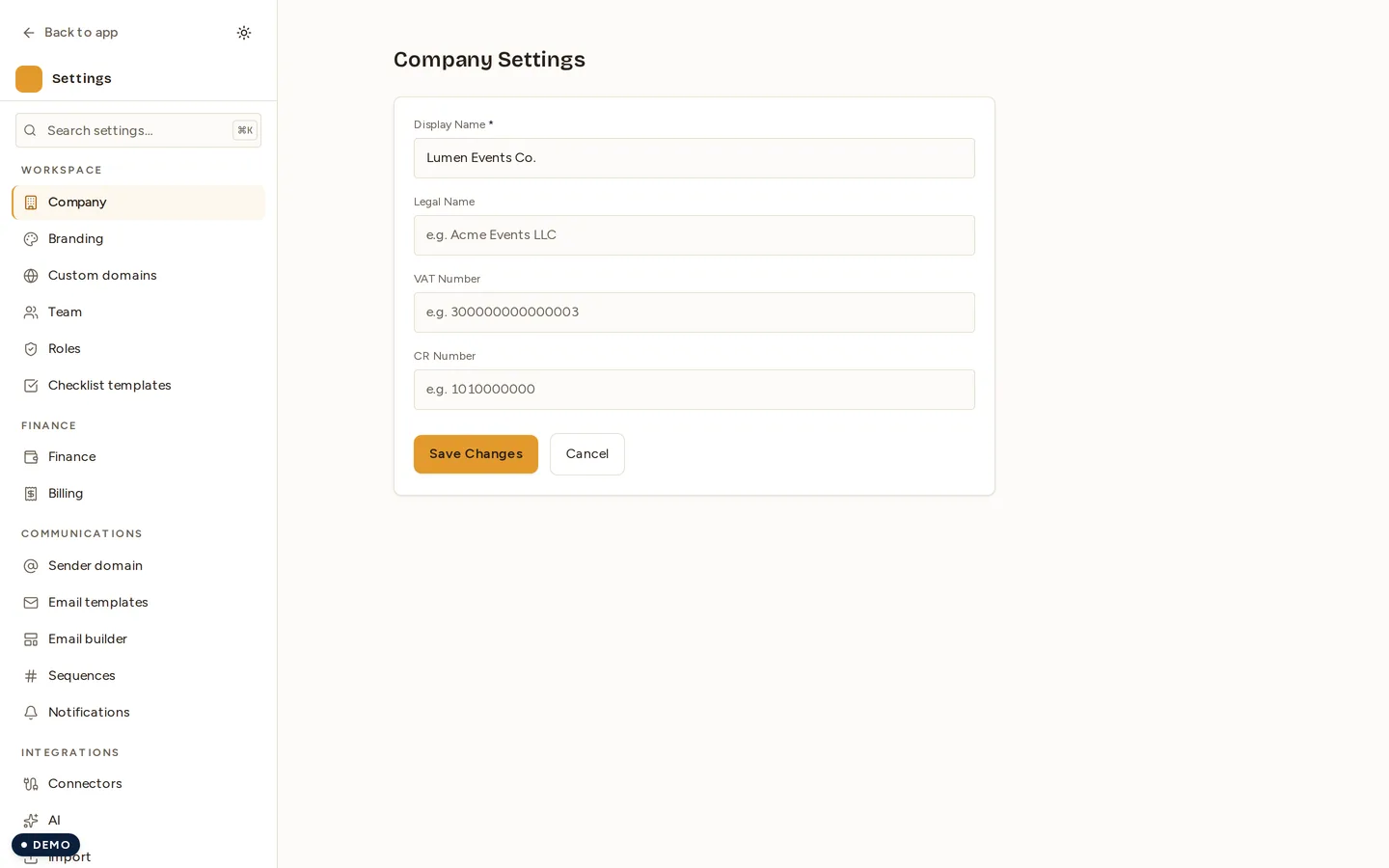
- Display name (required) — the company name shown across the app.
- Legal name (optional) — the registered legal entity name.
- VAT number (optional).
- CR number (optional) — commercial registration number.
Save your changes
- Edit any of the fields above.
- Click Save to return to Settings, or Cancel to discard.
Where the rest lives — address, phone, email, and logo are managed on the Branding page, not here. The company profile is purely your legal identity.
Recent improvements
- You can now clear a previously set VAT number, CR number, or legal name by blanking the field and saving. Previously a value that had been set could not be removed.
- Saves revalidate immediately, so new values show across the app at once instead of appearing stale.
- Every save writes an entry to the audit log for traceability.
Permissions
| Action | Permission |
|---|---|
| View company profile | settings.read |
| Save company profile | settings.write |
Next
Last updated on