Deals
Deals are your sales pipeline — open opportunities moving toward a win or loss, each with a value and probability.
List view
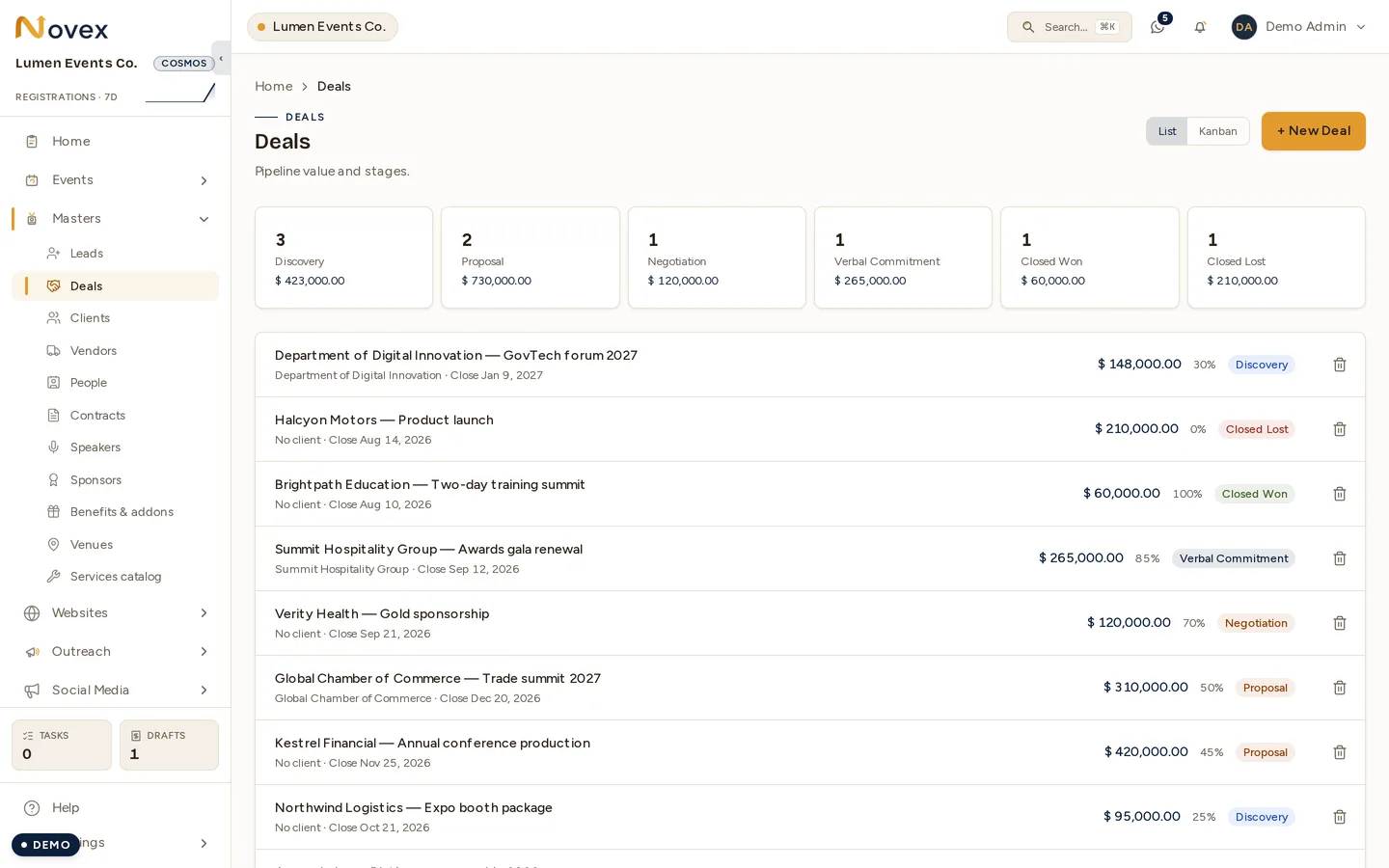
The deal list opens with pipeline summary cards showing the count and total value per stage. Below that, rows are paginated and show the deal title, client, expected close date, value, probability %, and a stage badge. A List / Kanban switch sits at the top.
Kanban board
Each Kanban column is a stage, with its count and total value in the header. Drag a card to change its stage — optimistic, confirmed with a toast. Values are shown formatted (for example 1.5M or 40K), and an overdue close date appears in red.
Adding a deal
- Title (required)
- Client (required)
- Stage (defaults to Discovery)
- Value (required)
- Probability % (defaults to 50)
- Expected close date
Stages and probability
Each stage carries a default probability. The weighted value is value × probability.
| Stage | Default probability |
|---|---|
| Discovery | 20% |
| Proposal | 40% |
| Negotiation | 65% |
| Verbal commitment | 85% |
| Closed won | 100% |
| Closed lost | 0% |
Advancing a deal
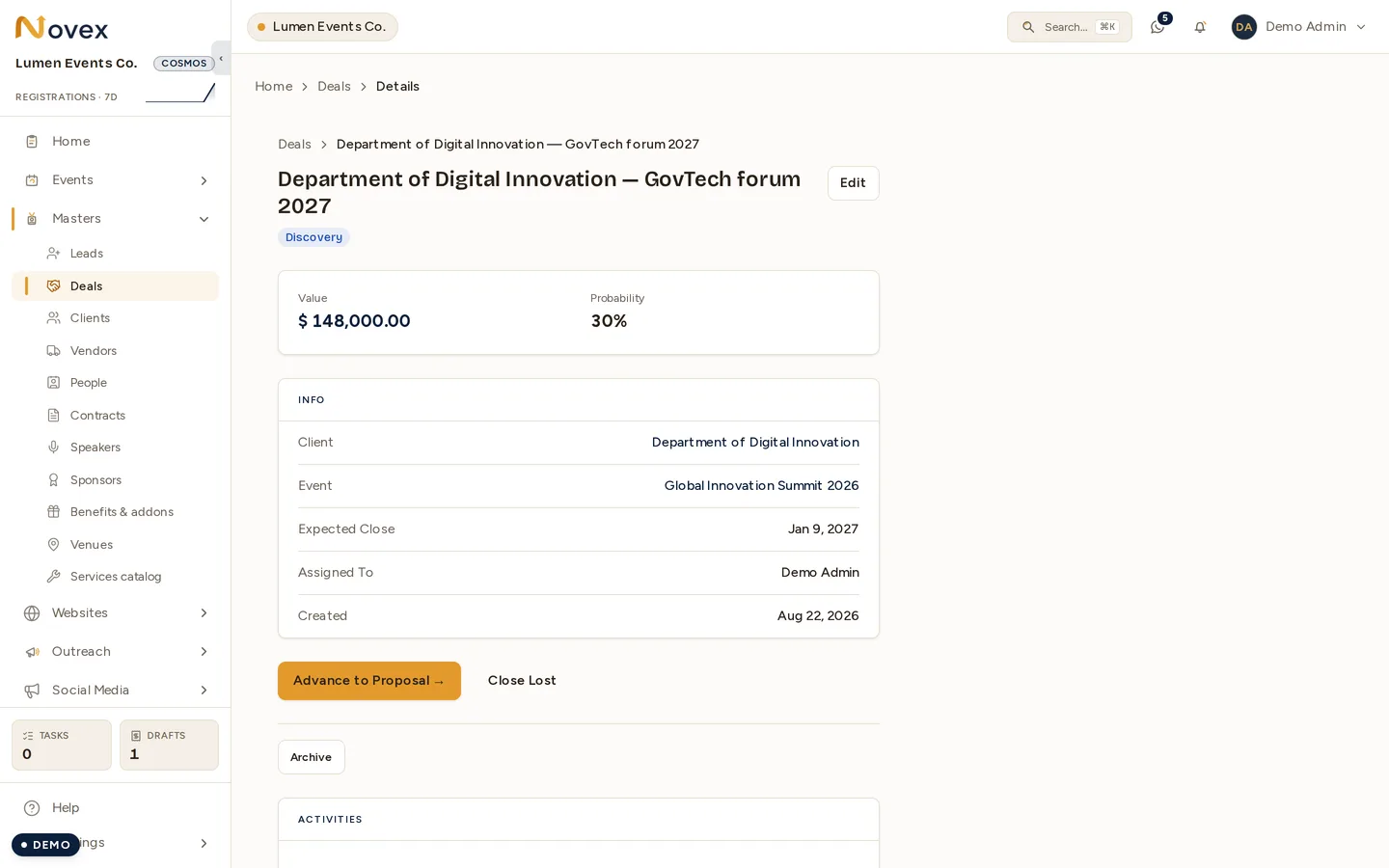
The Advance button names the stage it will move the deal to.
Close as Won (create event) appears at the Verbal commitment stage. Closing as won:
- Marks the deal Closed won.
- Auto-creates a linked Event — named after the deal, with the client carried over, the budget set to the deal value, and dates about a month out.
- Seeds the event’s agenda days.
- If the deal has an accepted quotation, pre-fills a deliverables checklist.
A deal must have a client before it can be closed as won.
Close as Lost marks the deal Closed lost and archives it.
Dragging on the Kanban board mirrors all of this. Dragging a closed deal back into an open stage re-opens it.
Editing a deal
The edit screen covers title, client, value, probability, expected close, and notes. The stage is driven by the workflow buttons, not edited here.
How deals link up
- Every deal belongs to a Client.
- A won deal produces an Event.
- A deal can originate from a Lead.
Permissions
| Action | Permission |
|---|---|
| View deals | crm.deals.read |
| Create, edit, advance, Kanban-move open stages | crm.deals.write |
| Close won/lost, archive/restore, Kanban into/out of closed stages | crm.deals.close |
| Permanent delete | crm.deals.delete_permanently |