Getting started
You can be running your first event in about ten minutes. This section takes you from “I just signed up” to a configured workspace with a live event.
Work through it in order:
- Signup & 14-day trial — create your workspace and start the free trial.
- Onboarding wizard — the seven guided steps that configure your tenant (and how to skip and come back later).
- Product tour — the first-run tour and the empty-state guidance that points you to the next action on every page.
- Quickstart: your first event — the happy path from a blank workspace to a published registration page.
What Novex is
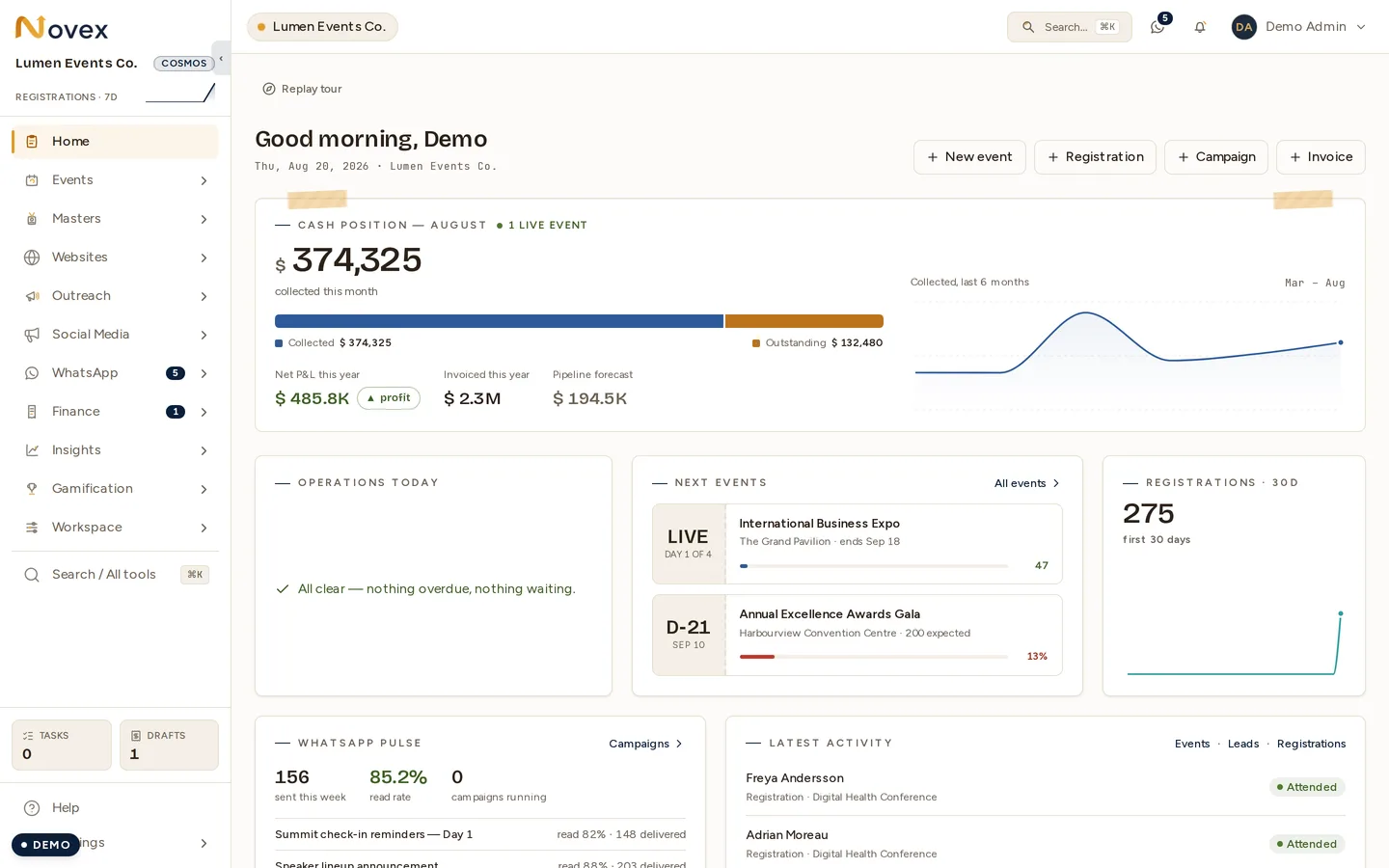
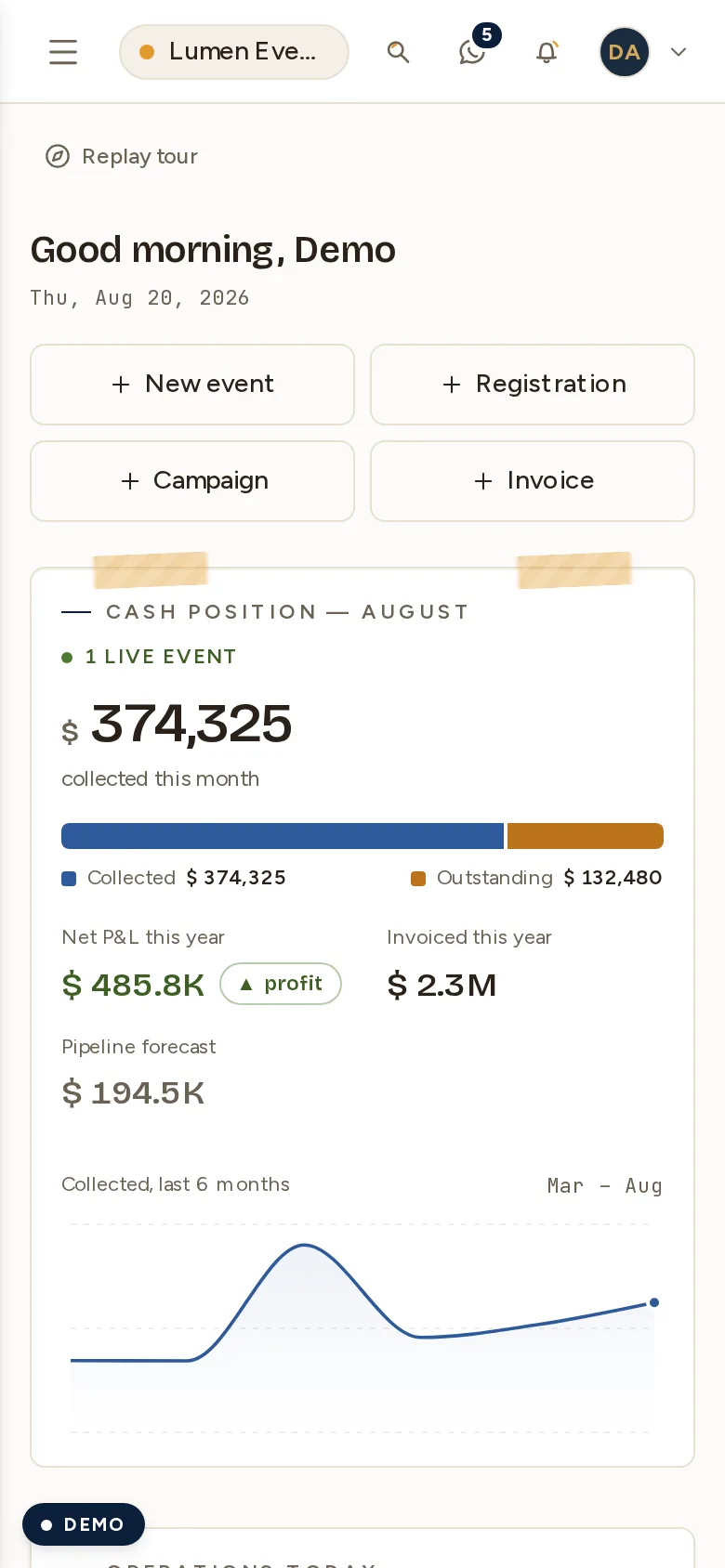
Novex is an end-to-end event-management platform: CRM and sales, event planning, public registration, badges and check-in, on-site command center, finance (quotations, invoices, e-invoicing, payments), marketing (email, WhatsApp, social), and reporting — in one multi-tenant workspace, available in English and Arabic.
Each company gets its own tenant at /t/<your-slug>. Everything you create
lives inside that tenant and is isolated from every other customer.
Where to go next
- Create your first event: Events → Creating events
- Open registration to the public: Registration → Public registration
- Send a quotation: Finance → Quotations
Troubleshooting
- Forgot password? Use the Forgot password link on your tenant login
page (
/t/<slug>/login). The reset email arrives within a minute; check spam if it’s slower. - Invitation email didn’t arrive? As tenant admin, re-issue the invite from Settings → Team. There’s a short cooldown between re-issues to the same address.
- Trial ending before you upgraded? Open Settings → Plan to activate billing, or contact support to discuss your options.
Last updated on