Error pages
When a page can’t be found or a request fails, Novex shows a branded, bilingual error page instead of a raw server error. Each page explains what happened and gives you a way back. They render in English or Arabic to match your language preference, with full right-to-left layout in Arabic.
404 — Page not found
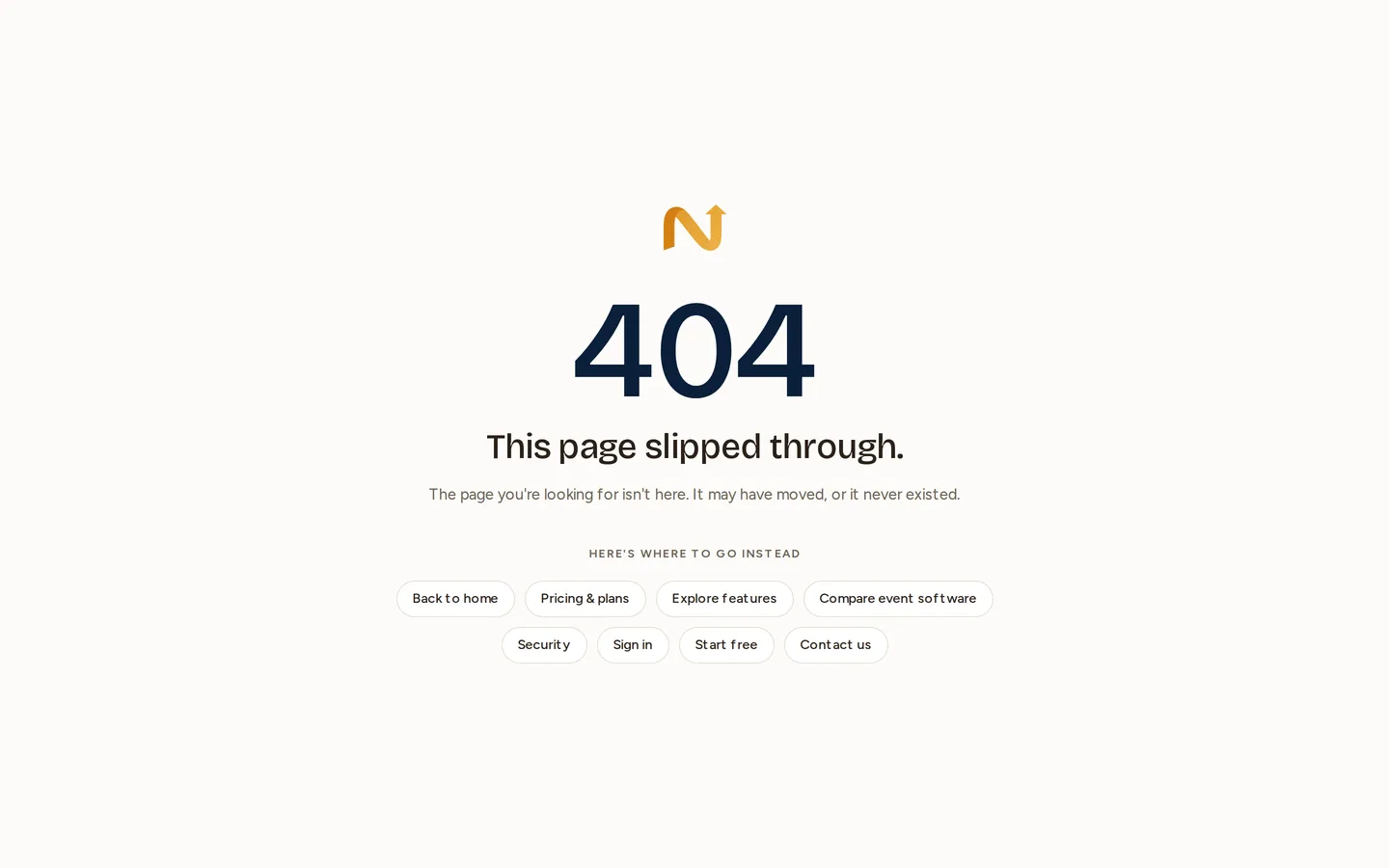
You’ll see this when a URL doesn’t point to anything — usually a stale bookmark, a mistyped address, or a link to something that has since been moved or deleted.
What to do:
- Use the Back to home button to return to the main app or site.
- If you reached the page from a link inside Novex, the item may have been removed — re-navigate from the relevant module’s list.
500 — Something went wrong
You’ll see this when a request fails unexpectedly on Novex’s side. The page confirms that the problem has been logged and the team notified — you don’t need to file a separate report for the error itself.
What to do:
- Click Try again — many 500s are transient and clear on a retry.
- If it persists, check the status page to see whether a component is degraded.
- If status is all-green and the error keeps happening on a specific action, contact support and describe exactly what you were doing.
Language
Both pages honour your active language. Arabic visitors get the Arabic copy in a right-to-left layout; everyone else gets English. See Localization for how language is selected.