Clients
The master record for every organisation you do business with — the hub that events, quotes, invoices, deals, and contacts hang off.
List view
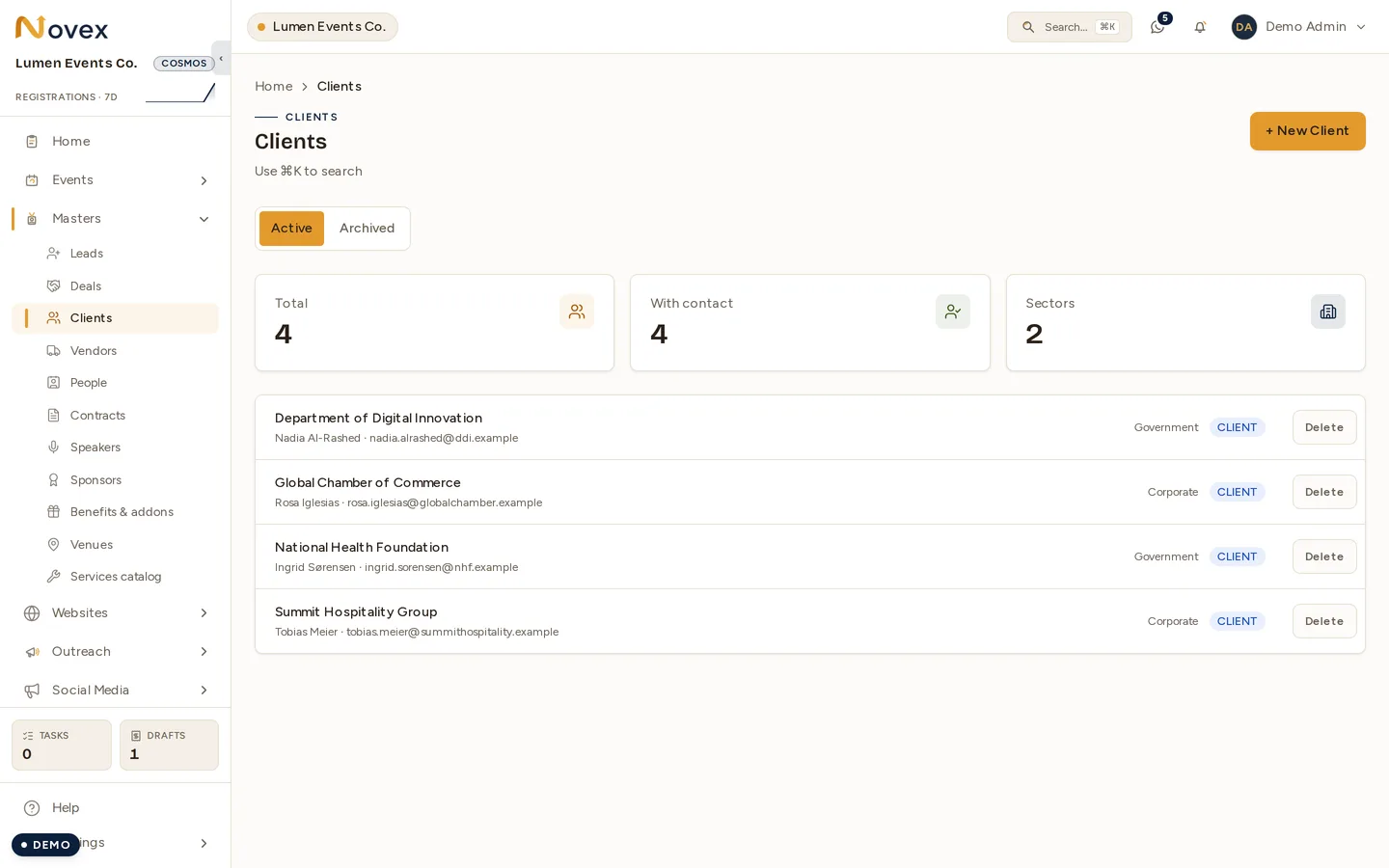
The client list pages 50 at a time, in alphabetical order. Each row shows the name, primary contact, sector, and a badge, plus an archive control. Archived clients are hidden.
Adding and editing a client
- Display name (required)
- Legal name
- Position
- Sector — Government, Ministry, Corporate, SME, Nonprofit, Education, Healthcare, Hospitality, or Other
- Tax identifiers — Saudi VAT number (15-digit) and CR number (10-digit)
- Point of contact — name, email, phone
- Address (collapsible) — line 1/2, city, region, postal code, country (defaults to Saudi Arabia)
- Bank details (collapsible) — IBAN, national address, bank name, SWIFT, account number
The VAT and CR numbers feed Saudi e-invoicing.
Client detail
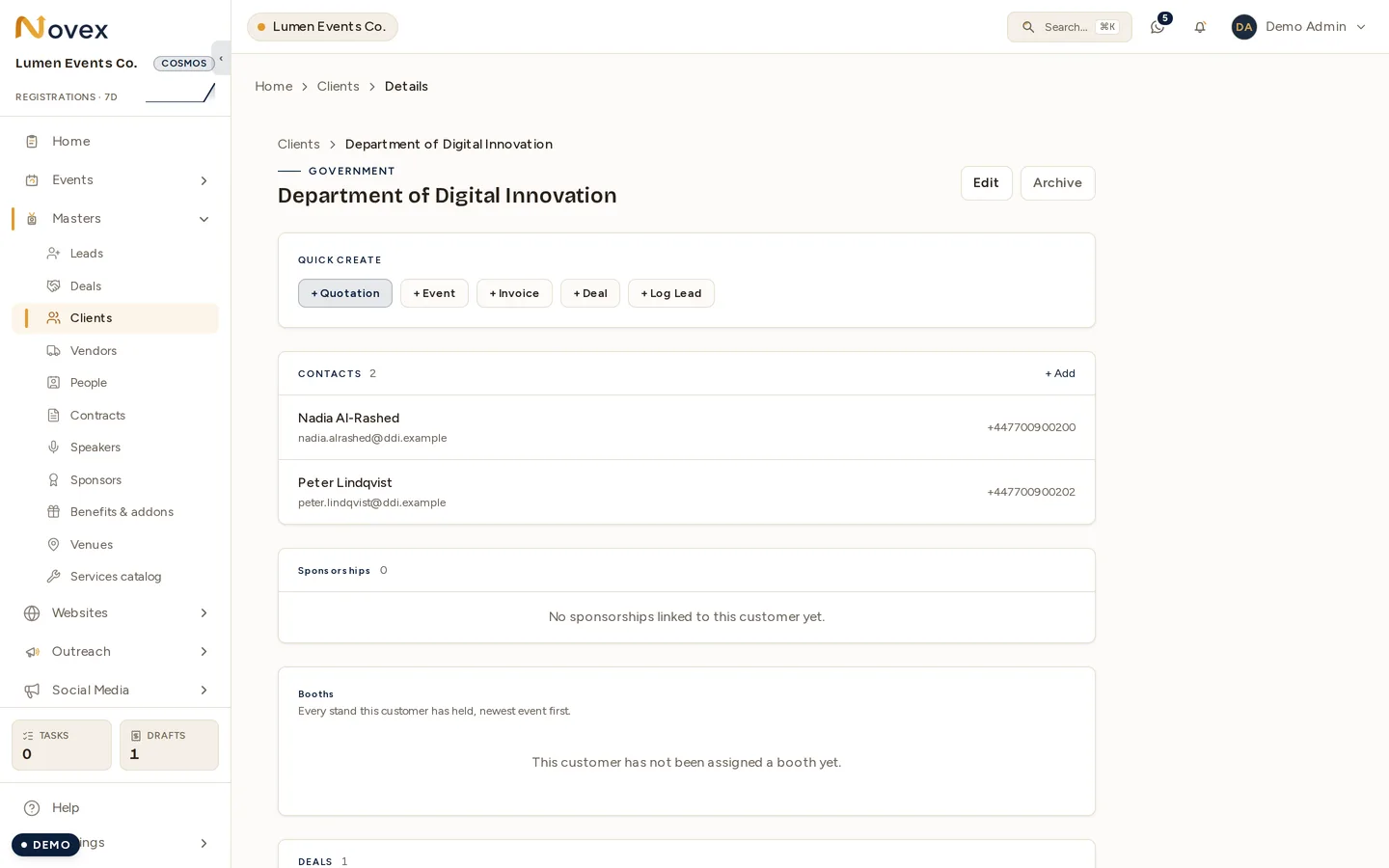
The detail page opens with a header showing the name, legal name, sector, an archived badge if applicable, and Edit / Archive / Restore controls.
A Quick-create strip gives one-click buttons to start a new Quotation, Event, Invoice, or Deal, or to “Log a lead” — each pre-filling the client.
Below that, the page is organised into linked sections:
- Tax & registration — VAT, CR, IBAN
- Address
- Contacts — up to 5
- Deals — up to 10
- Events — up to 10
- Quotations — up to 5
Each entry links straight to its record.
Contacts
Adding a contact captures:
- Full name (required)
- Position
- Department
- Phone
Attachments
On the edit screen there are 5 categorised attachment slots — CR, VAT certificate, Address proof, Bank details, and Other. Each slot accepts multiple files.
Permissions
| Action | Permission |
|---|---|
| View clients | clients.read |
| Create, edit, manage contacts and attachments | clients.write |
| Archive / restore / delete | clients.delete |
Quick-create buttons only appear if you hold the relevant module’s write permission.