External collaborators
An external collaborator is someone outside your organisation — a vendor, client, or partner — whom you give limited, time-boxed access through a secure magic link, without creating a full Novex account for them. They land in a dedicated portal that exposes only what you have shared, and the link expires on its own.
When and why to use this
Use an external invite instead of a full teammate account whenever the person:
- Only needs to see or act on a narrow slice of your data (e.g. one event, one set of quotes).
- Should only have access for a limited time.
- Does not belong to your organisation and should never appear in your team roster or roles.
Typical cases: a catering vendor reviewing logistics, a client approving a quotation, or a sponsor confirming their deliverables.
How it works
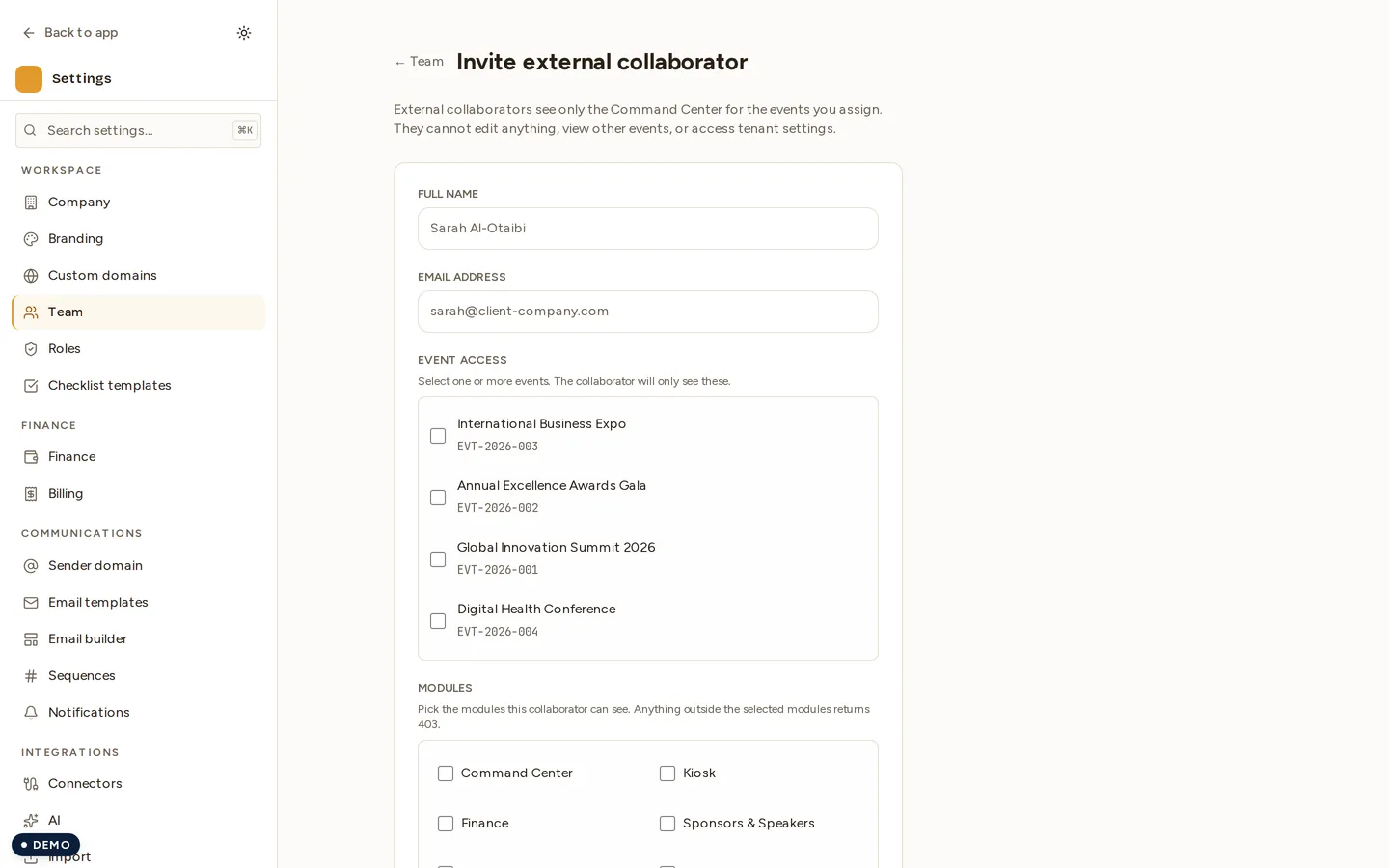
- Go to Settings → Team → Invite external.
- Enter the collaborator’s details and choose what they should be able to access.
- Send the invite. Novex generates a unique magic token and a portal link.
- The collaborator opens the link and is taken straight into the portal — no password to create, no account to manage.
- Inside the portal they see only the scoped items you shared; everything else in your workspace stays hidden.
The portal link has the shape …/portal/<magicToken>, where the token is a
long, unguessable string unique to that invite.
What collaborators can access
- Only the scope you grant. External access is deliberately narrow — the collaborator cannot browse your wider workspace, see your team, or change settings.
- No full account. They never get teammate credentials or a role in your RBAC model. They are not counted as a workspace member.
- Time-limited. Access is tied to the magic token, which is designed to expire. Once it lapses (or you revoke it), the link stops working.
Revoking access
You can cut off an external collaborator at any time by revoking their invite from the team settings. After revocation the magic link is dead and any further attempt to use it is rejected.
Tips & limits
- Treat the magic link like a password: share it directly with the intended person over a trusted channel, not in a public thread.
- Send a fresh invite rather than reusing an old one when scope changes.
- Prefer a full teammate account (with a proper role) for anyone who needs ongoing, broad access — external invites are meant for narrow, temporary work.
- External-collaborator activity is captured in your audit log.