Public registration
Each event has a public, hosted registration page at
https://nov3x.com/r/<tenant-slug>/<event-code>. Attendees open the link, fill
in the form, and receive a confirmation — no account required.
When to use this
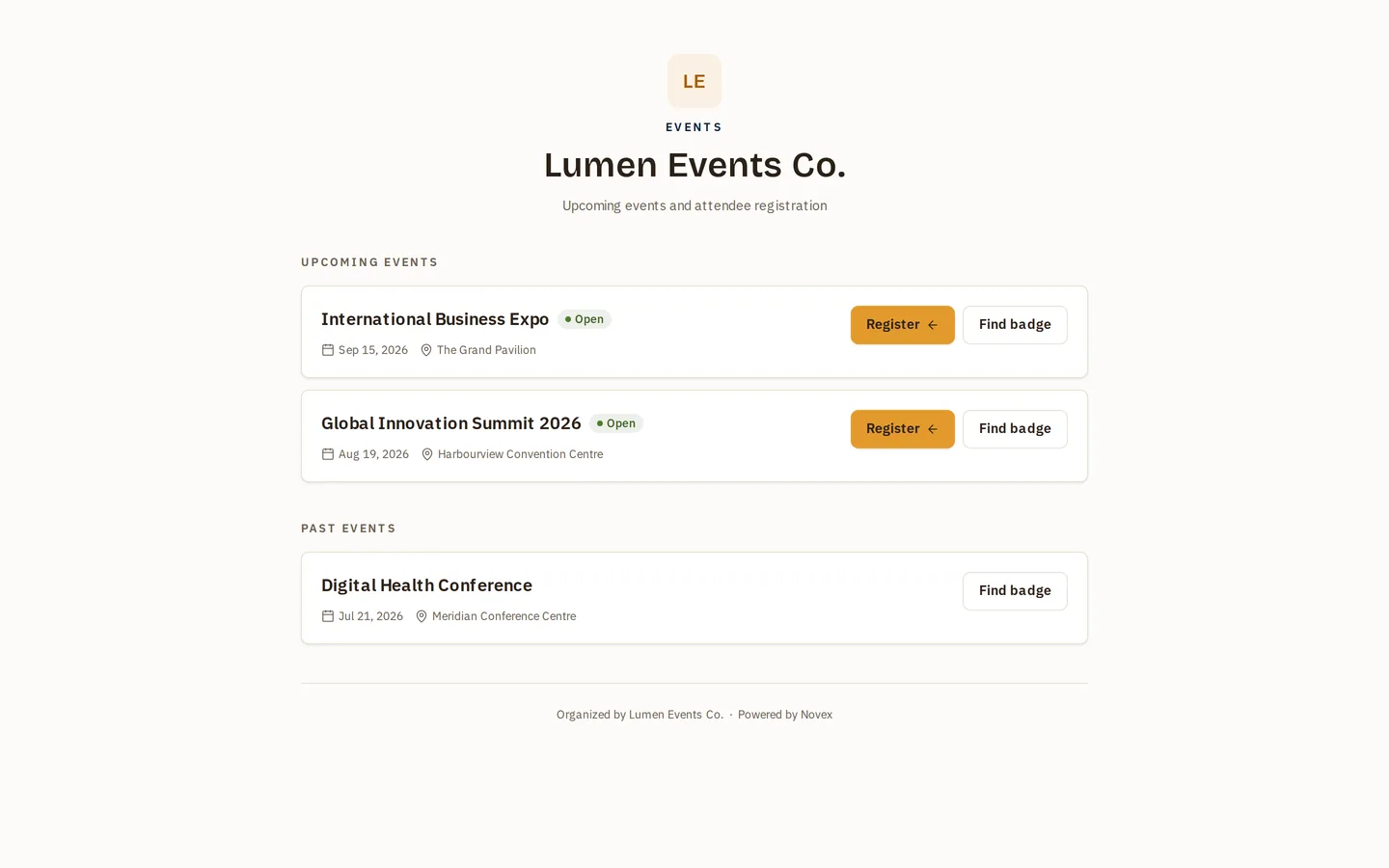
Use the hosted page as the simplest way to take registrations: link it from emails, social posts, or a QR poster. If you’d rather keep visitors on your own website, embed the form instead.
Setting it up
-
Open the event and go to its Registration form.
-
Add the fields you want to collect (dietary needs, custom questions, etc.) on top of the built-in ones.
-
Mark your own fields required or optional as needed.
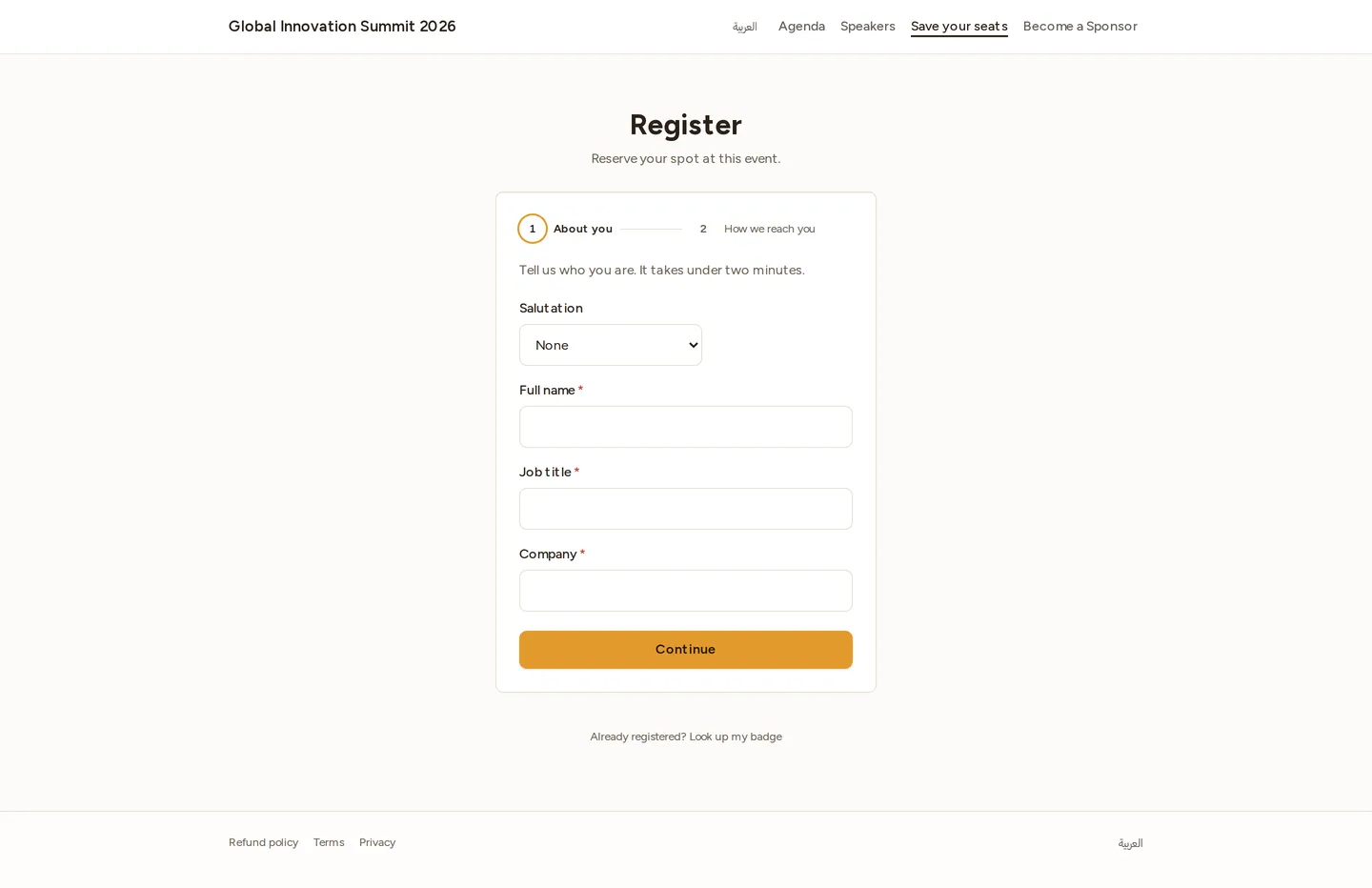
The built-in full name, email, mobile, country, job title and company are always required, and they are the same on all three ways to register — the hosted page, the step-by-step event-page form, and the embedded form — so a registration collected one way is as complete as one collected another. Salutation and city stay optional. See Required fields.
-
Advance the event to
CONFIRMED(or later) — registration opens once the event reaches a registration-enabled stage. -
Share the public link
/r/<tenant-slug>/<event-code>.
The attendee experience
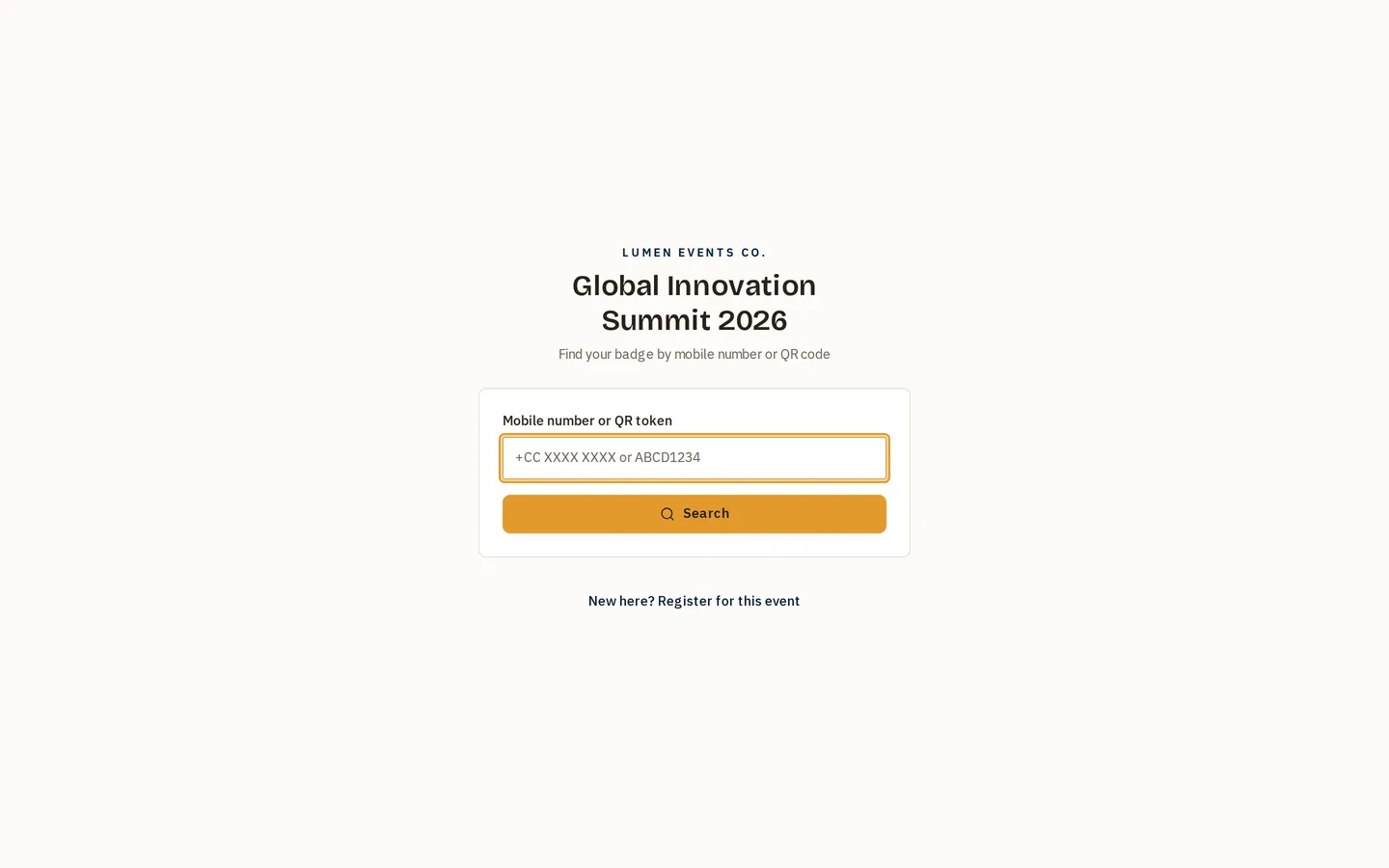
The shared link opens on a two-door page: returning attendees look up the badge they already have, and anyone new follows Register for this event through to the form.
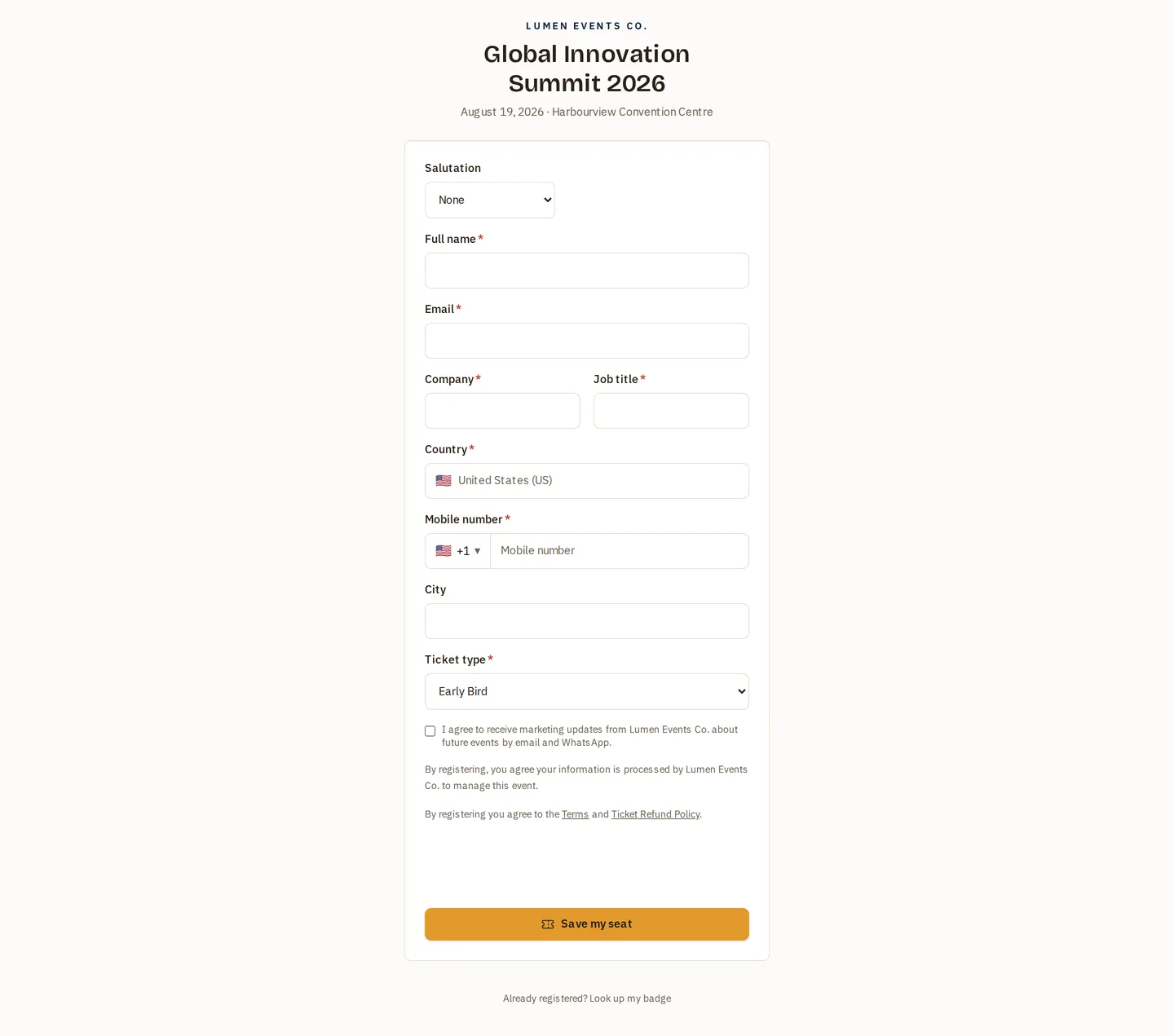
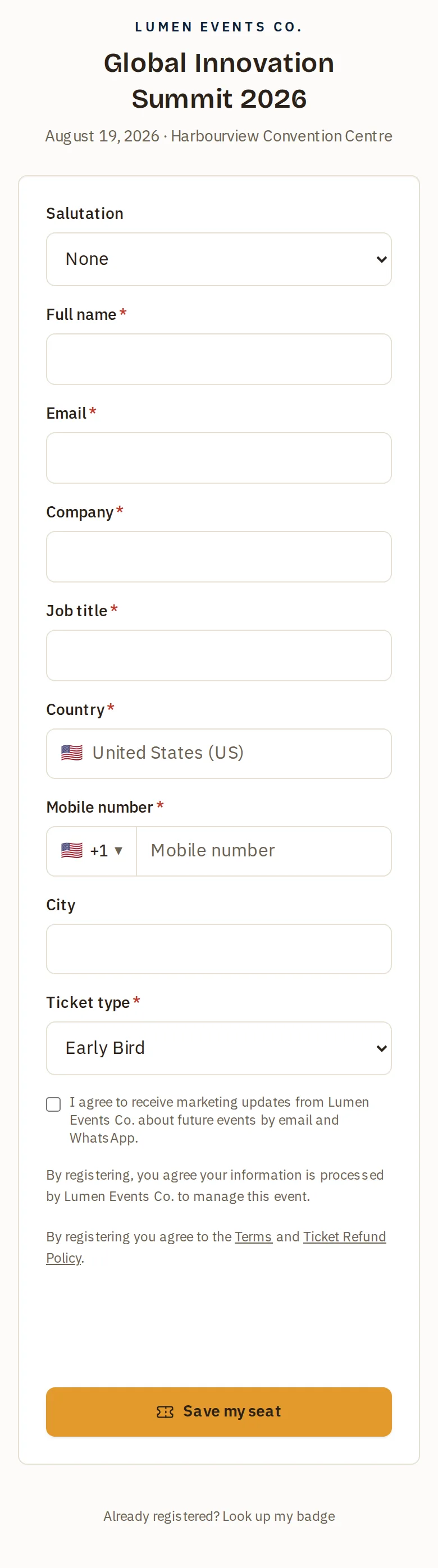
- The page is branded with your logo and colors (set in onboarding / Settings → Branding).
- It’s bilingual (English / Arabic) and respects right-to-left layout.
- On submit, the attendee reaches a confirmation page
(
/r/.../register/confirmed) and — depending on your setup — receives a confirmation email and an eBadge with a QR code.
Tips & limits
- Event code vs. slug: the URL combines your tenant slug with the event’s code, so the link is stable and shareable.
- Test it first: open the public link in a private browser window and submit a dummy registration to confirm the fields and confirmation flow look right, then delete the test entry from Registrations.
- Closed registration: if the event isn’t at a registration-enabled stage, the public page won’t accept submissions.