Empty states
Wherever a list has nothing in it yet, Novex shows an empty state instead of a blank screen — a short title, one line on why the screen matters, and a button that takes you straight to the next useful action.
They now look and read the same everywhere in the product, so a blank Events, Clients, Invoices, or Venues screen always tells you the same thing: what this is for, and how to add the first item.
What an empty state gives you
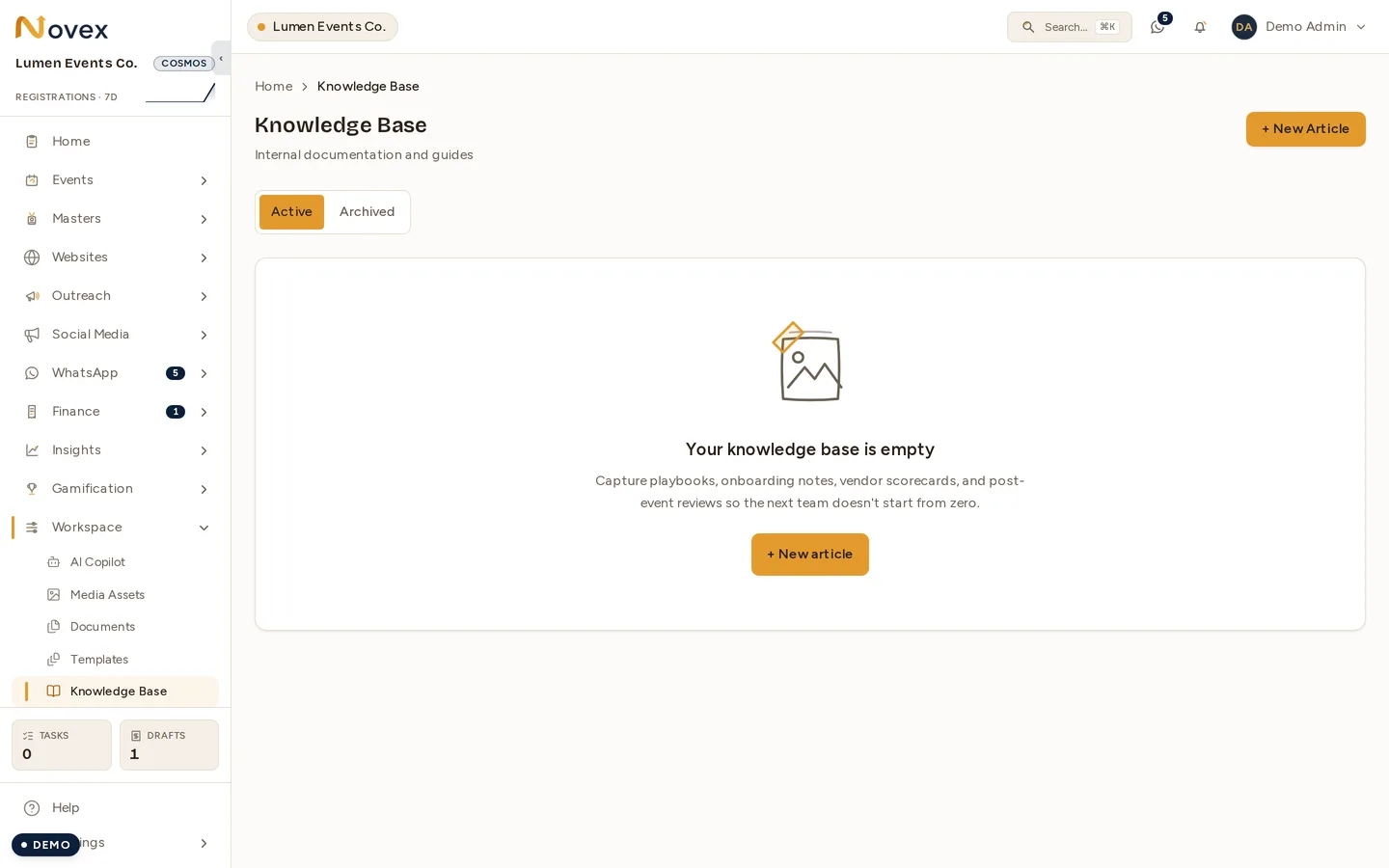
- A title — two or three words naming what’s missing (e.g. “No events yet”).
- One sentence on what the screen is for or what to do next.
- A primary button to create the first item — or, when you’re filtering, a quick way to clear the filters if the list is empty only because of them.
That’s it. No walls of text — the title and the button do the work.
Where you’ll see them
Most lists start empty and show this guidance: Events, Registrations, Clients, Leads, Deals, Invoices, Venues, Vendors, Tasks, and more. You’ll also see an empty state (rather than being pushed back into the wizard) if you soft-skipped onboarding.
Next
Last updated on