Status page
The Novex status page is a public, real-time view of service health. It’s the fastest way to tell whether an issue is on Novex’s side or specific to your own setup. No login is required — you can share the link with anyone on your team.
Where to find it
The status page is published at /status on the Novex marketing site (for
example, https://nov3x.com/status). It’s linked from the site footer.
What it shows
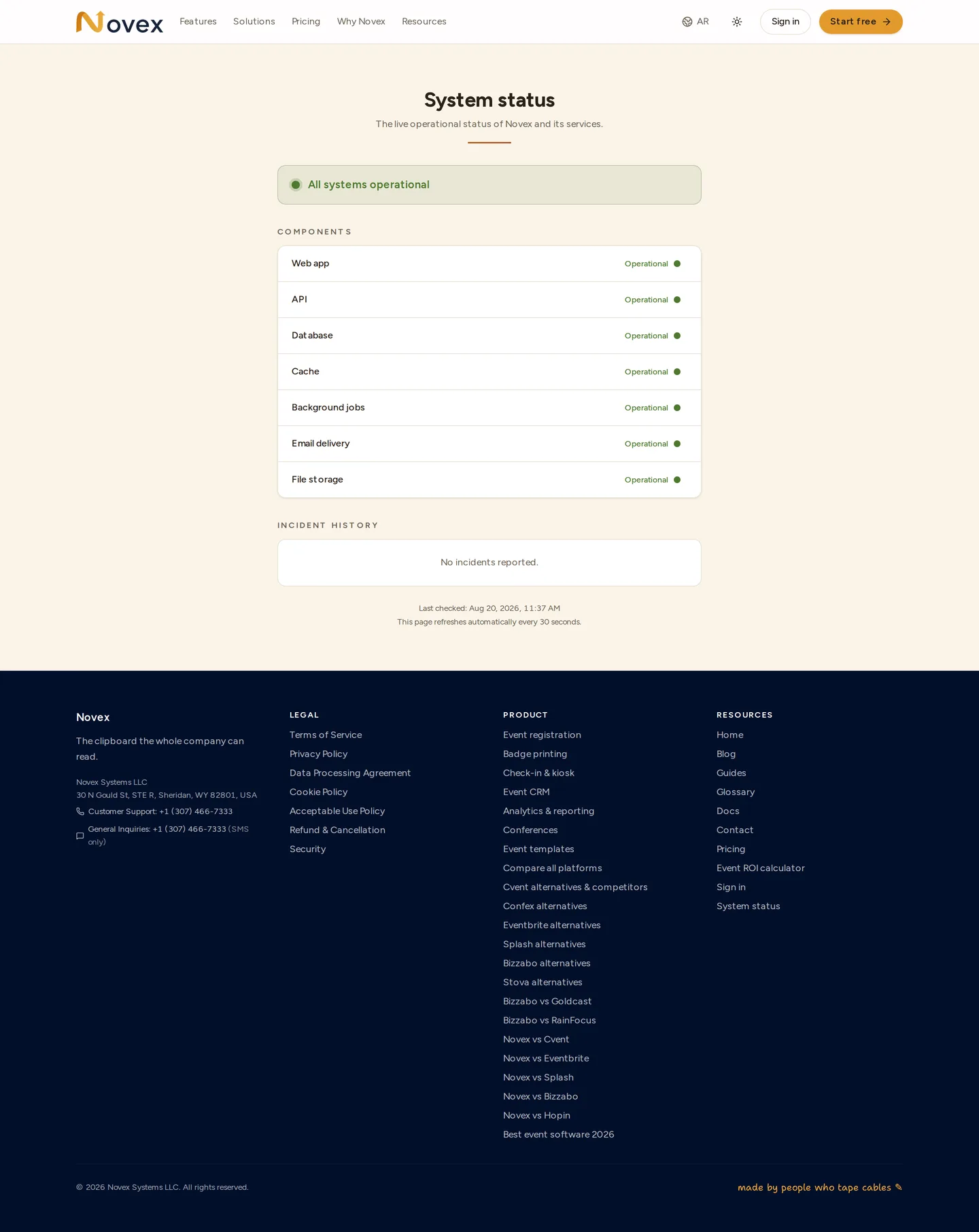
The page reports an overall status at the top, then a per-component breakdown. Each component is one of three states:
| State | Meaning |
|---|---|
| Operational | Working normally. |
| Degraded | Reachable but slow or partially impaired. |
| Down | Not currently serving requests. |
Components reported include the core API, the database, email delivery, and the background job queue / worker that handles things like campaign sends, exports, and scheduled jobs.
When to use it
- Something in Novex isn’t responding or feels slow.
- Open
/statusand check the overall banner. - If a component shows Degraded or Down, the issue is on Novex’s side — the platform team is already aware and working on it; no ticket needed.
- If everything shows Operational but you still have a problem, it’s likely specific to your tenant, account, or network — contact support.
Tips & limits
- The status reflects platform-wide health, not the state of an individual tenant’s data or a single integration (e.g. a Meta-side WhatsApp outage may not appear here).
- Bookmark
/statusso you can reach it even if you can’t sign in.
Next
Last updated on