Payments (Moyasar)
Status — Coming soon. The connector screen in Novex is labelled COMING SOON and has nothing to configure yet. Online card collection is not available, and everything under “How it will work” below describes the intended capability rather than something you can switch on today.
What works today: set your ticket prices, and Novex tracks the amount owed. Payments are collected manually or on-site and recorded against the invoice — the balance, the status and the audit trail all behave exactly as they do for any other payment method. Free and RSVP events work end to end right now, with no gateway involved at all.
The connector screen today
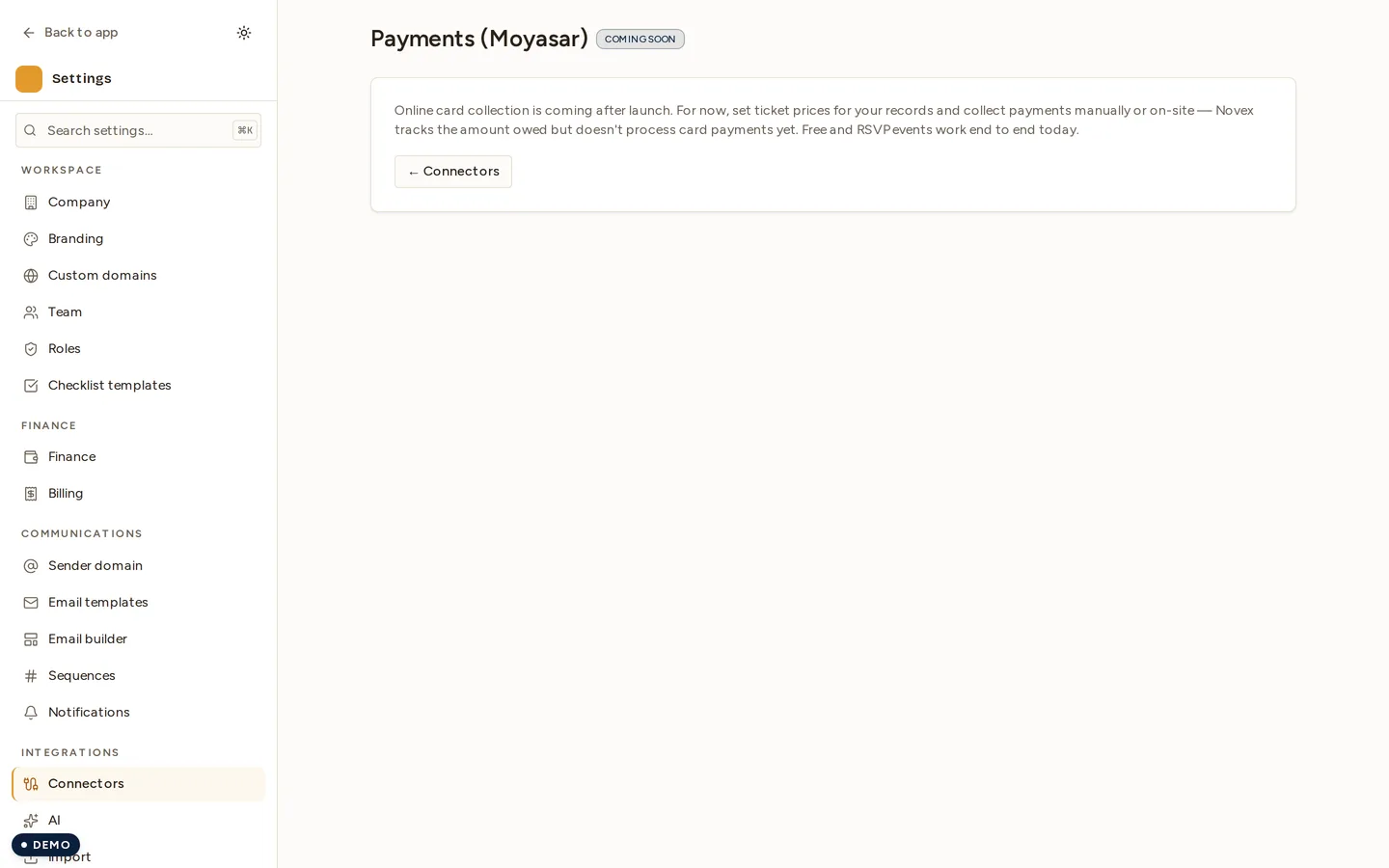
Opening Settings → Integrations → Moyasar shows the state above. There is no key field, no environment switch and no wizard: the screen exists so the roadmap is visible from inside the product, not so it can be set up.
How it will work
Everything from here down is the design for the connector, kept so you can plan around it. None of it is live.
What it will power
- Online ticket checkout — attendees pay by card during registration.
- Pay-by-link — send an invoice or quote with a hosted payment link; the customer pays without an account.
- Automatic reconciliation — paid / failed / refunded webhooks from Moyasar update the matching invoice or registration in Novex.
What you will need
- An active Moyasar merchant account (sign up at moyasar.com and complete their KYC / activation).
- Your Moyasar API keys from the Moyasar dashboard. Moyasar issues two key sets — test and live — each with a publishable key and a secret.
- A webhook secret (Moyasar generates one when you register the Novex webhook URL, or Novex supplies the URL to register).
The planned setup
- Go to Settings → Integrations and open the Moyasar card.
- Choose the environment: Test (for verification) or Live.
- Paste your publishable key and secret key for that environment.
- Paste the webhook secret so Novex can verify that incoming payment notifications genuinely came from Moyasar.
- Save. Novex validates the keys against Moyasar before storing them and seals them in the tenant secret-vault.
The publishable key is the only credential ever surfaced client-side (it’s used by the hosted checkout). The secret key and webhook secret are stored encrypted and never returned to you in full.
Test vs live
| Test | Live | |
|---|---|---|
| Keys | Test publishable + secret | Live publishable + secret |
| Card charges | Test cards only — no real money | Real cards, real settlement |
| Use it to | Verify checkout + reconciliation end to end | Production |
It will be right to start in test. Run one ticket purchase and one pay-by-link with a Moyasar test card, confirm the invoice/registration flips to Paid in Novex, then switch the connector to Live and re-enter your live keys.
Taking a payment
- Tickets — set a paid ticket type on the event; checkout uses Moyasar automatically once connected.
- Pay-by-link — open an invoice or quote and choose Send payment link; the recipient pays on a Moyasar-hosted page.
- When Moyasar confirms the charge, its webhook hits Novex and the source record is marked Paid.
Tips & limits
- Switching environments replaces the stored key set — Novex never mixes test and live credentials.
- Refunds initiated in the Moyasar dashboard flow back into Novex via the same webhook and update the invoice status.
- If payments stop reconciling, re-check the webhook secret — a rotated secret in Moyasar must be re-entered in the connector.