Report pages
Report pages are focused, filterable reports that aggregate your data across events and time — revenue, pipeline, occupancy, registrations, leads, and vendors.
Available reports
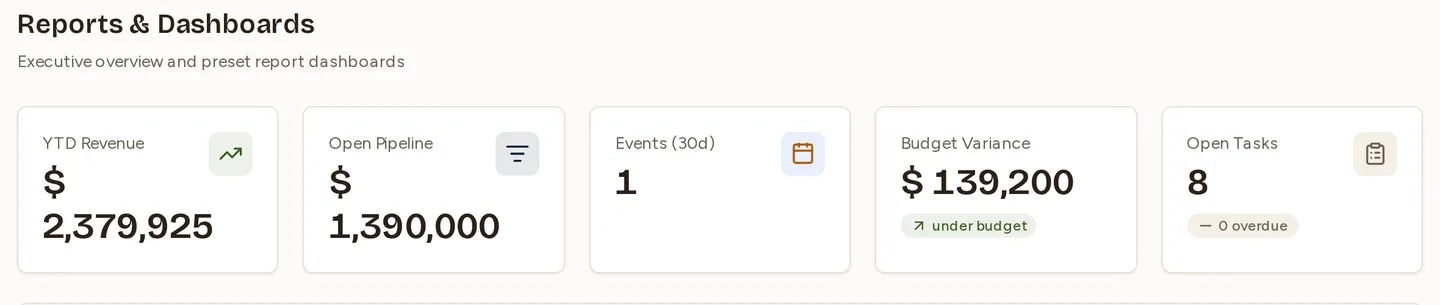
Each report aggregates the relevant records into totals, trends, and breakdowns. Where applicable, you can filter by date range and by event.
| Report | What it aggregates |
|---|---|
| Revenue | Income across events and over time |
| Sales pipeline | Deal value by stage and trend |
| Venue occupancy | How fully your venues are booked |
| Events | Activity and counts across your events |
| Registrations | Sign-ups and attendance trends |
| Leads | Lead volume and breakdowns |
| Vendors | Vendor spend and activity |
Filtering
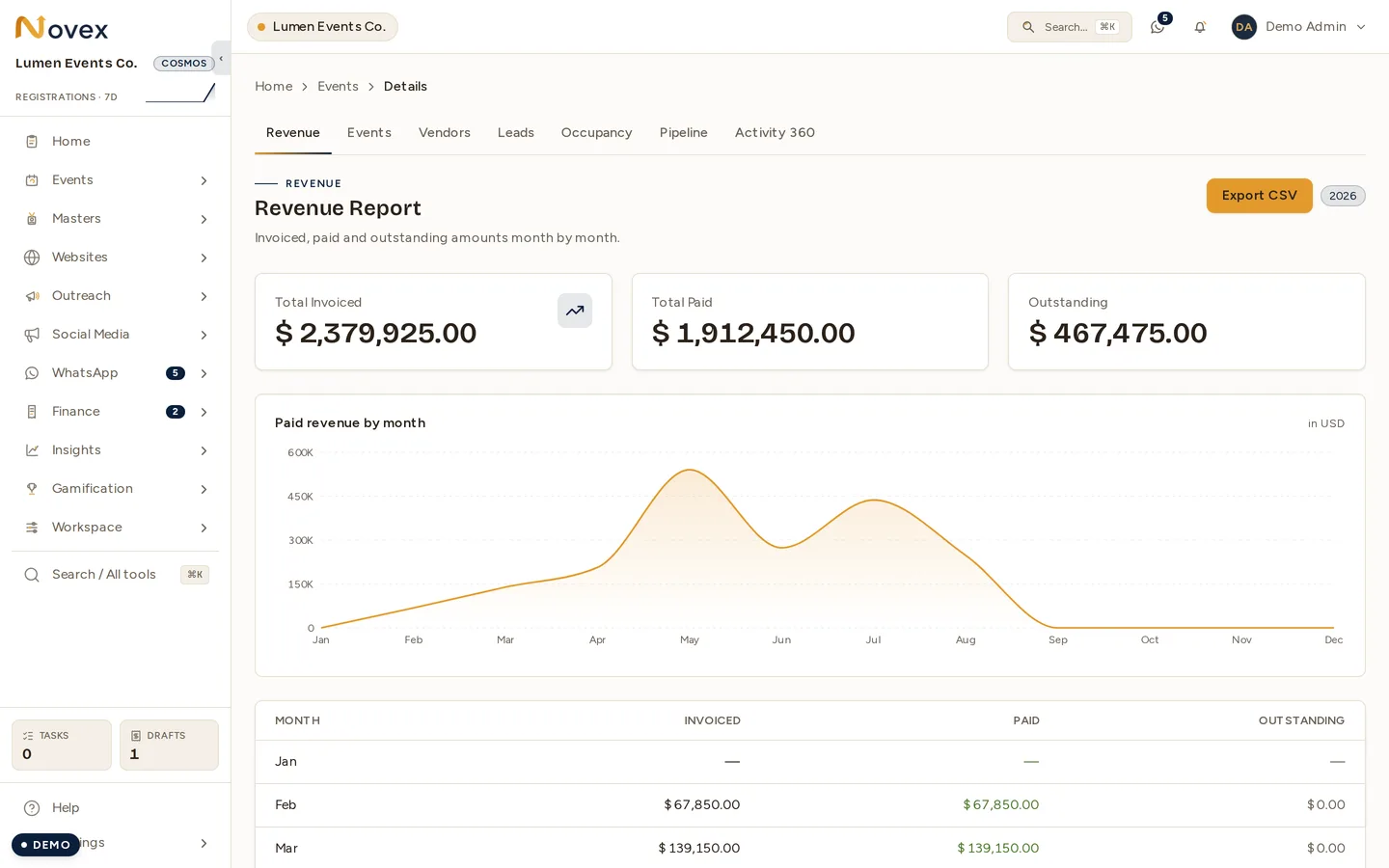
Reports support filtering, typically by date range and by event where applicable.
Exporting to CSV / Excel
Every report page has an Export CSV button in the top-right header actions — Revenue, Sales pipeline, Venue occupancy, Events, Leads, and Vendors, alongside the Registrations report that already had one. Click it to download the current report as a spreadsheet for sharing or offline analysis.
- Opens cleanly in Excel, Numbers, and Google Sheets. The file is UTF-8 with a byte-order mark, so Arabic text and currency columns render correctly instead of turning into garbled characters.
- The columns match what’s on screen. Each export mirrors that report’s
on-page table. A few reports add detail that the compact on-screen view folds
together:
- Revenue, Sales pipeline, and Vendors add a Currency column — amounts are grouped per currency and never added across currencies, so each row is unambiguous.
- Events splits the combined “expected / actual” attendance cell into separate Expected Attendees and Actual Attendees columns.
- Money keeps full precision — amounts export at their exact value, with no rounding.
- Only your own data. Exports are scoped to your organization, exactly like the on-screen report.
- Permission: exporting needs the
reports.exportpermission (see below).
Permissions
| Action | Permission |
|---|---|
| View reports | reports.read |
| Export reports | reports.export |
Next
Last updated on