Vendor invoices
A vendor invoice in Novex is a bill you have received from a supplier and owe. It is the accounts-payable counterpart to the invoices you issue to clients. Novex matches each vendor invoice against its purchase order and goods-receipt note before you approve it for payment.
Record a vendor invoice
- Go to Finance → Vendor invoices → + New vendor invoice.
- Pick the vendor and, where it exists, the purchase order the bill relates to. Linking the PO pre-fills the lines and enables matching.
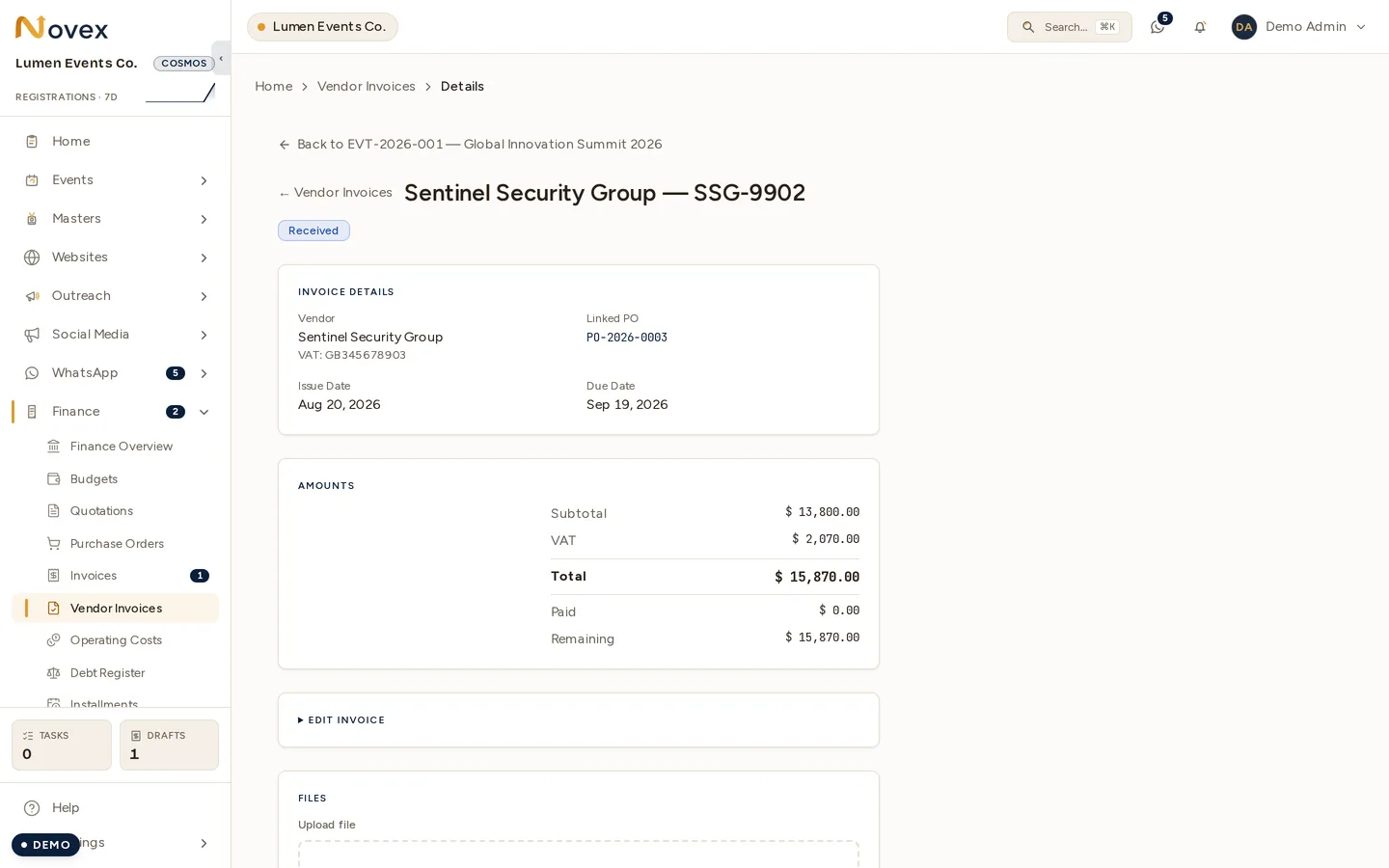
- Enter the vendor’s invoice number, invoice date, and due date.
- Confirm the cost lines and totals against the paper/PDF bill. Lines default to 15% VAT (the KSA standard rate) — adjust it per line where a different rate or a zero-rated item applies.
- Save. The invoice starts in
RECEIVED.
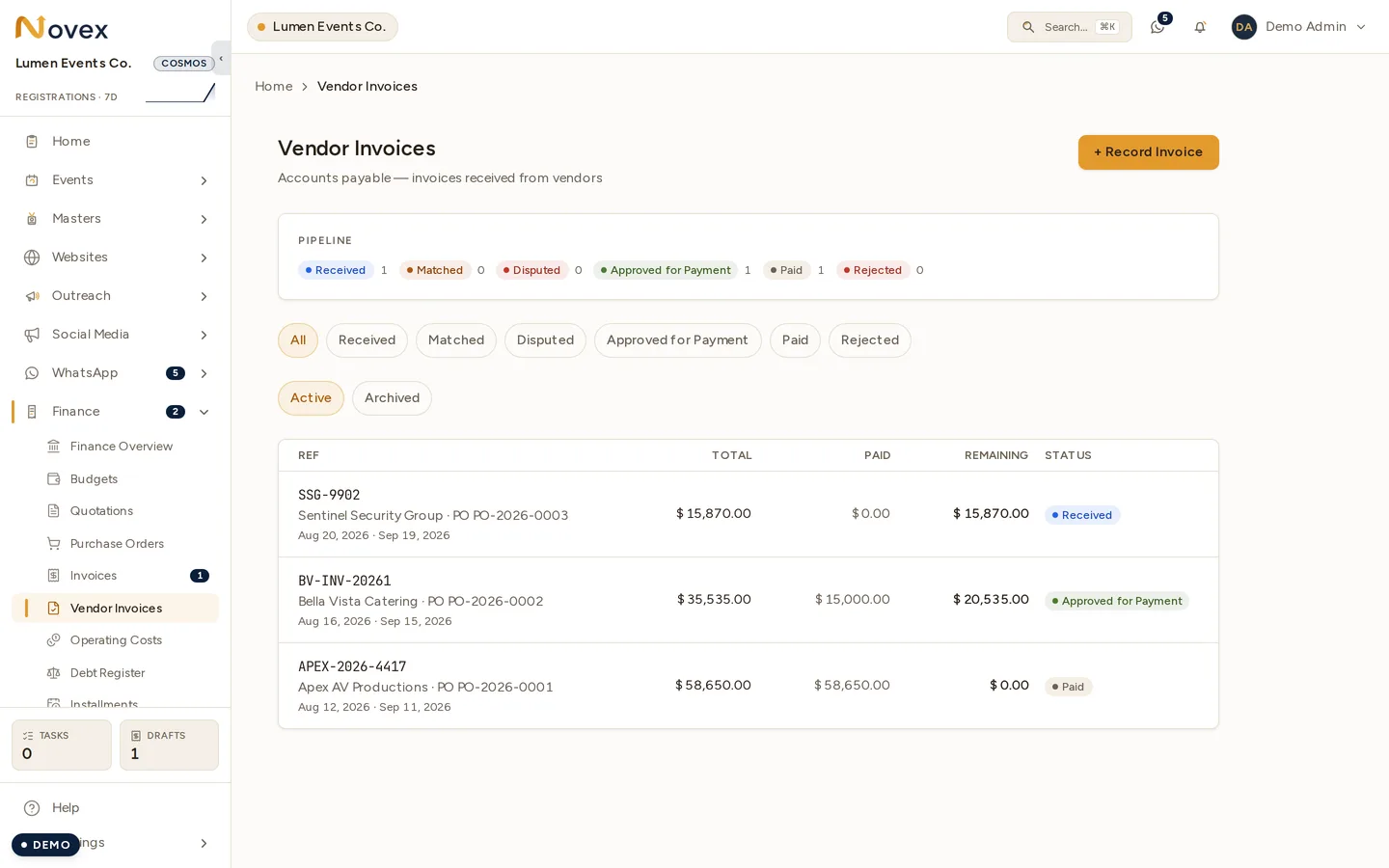
Each vendor invoice row shows its total, paid, and remaining amounts, so you can see at a glance what’s still owed on a bill without opening it. Rows are labelled by vendor name rather than an internal code across the vendor-invoice list and the vendor’s own page.
Three-way match
The three-way match is the control that protects you from overpaying. Novex compares three documents:
- Purchase order — what you agreed to buy (quantity and price).
- Goods-receipt note (GRN) — what you actually received (recorded on the PO; see Purchase orders).
- Vendor invoice — what the vendor is billing you.
When all three agree within tolerance — ordered = received = billed, at the
agreed prices — the invoice moves to MATCHED and is safe to approve. If a
line is billed for more than was ordered or received, or at a higher price,
the invoice is flagged DISPUTED so you can resolve it with the vendor before
paying.
Approve and pay
- On a
MATCHEDvendor invoice, click Approve for payment — it moves toAPPROVED_FOR_PAYMENT. This step requires the approval permission and is audit-logged. - When the bill is settled, click Record payment and enter the amount, date, method, and reference (see Payments for the method list).
- A full settlement moves the invoice to
PAID.
A disputed invoice can be rejected (→ REJECTED) if it should not have
been issued, or corrected and re-matched once the vendor sends a revised bill.
Direct vendor payments (no PO or invoice)
Sometimes you pay a vendor for something that never went through a purchase order or a recorded bill — a small ad-hoc cost, a deposit, or a cash payment at the venue. Novex lets you record that payment directly, without first creating a PO or vendor invoice:
- Open the vendor (or the Finance / budget tab of the event the cost belongs to).
- Choose Record payment.
- Enter the amount, date, method, and a reference, and — when you’re on an event — the payment is attributed to that event’s spend.
Direct payments roll into the vendor’s paid / remaining totals and into the event’s money cards alongside PO- and invoice-backed spend, so an event’s cost picture stays complete however the money was paid. Every direct payment is audit-logged.
Status
| Status | Meaning |
|---|---|
RECEIVED | Logged, not yet matched. |
MATCHED | Agrees with the PO and GRN within tolerance. |
DISPUTED | A quantity or price mismatch needs resolving. |
APPROVED_FOR_PAYMENT | Cleared internally; ready to pay. |
PAID | Fully settled. |
REJECTED | Will not be paid. Requires a reason. |
Tips and limits
- A vendor invoice does not have to be linked to a PO — bills with no PO (e.g. a small ad-hoc expense) skip the three-way match and go straight to approval.
- Match tolerance handles small rounding differences; large variances always
flag as
DISPUTED. - Vendor invoices are accounts payable; they are never e-invoice signed — that applies only to the invoices you issue to clients (see Invoices).