Master records
A master record lives at workspace level and is the single source of truth. An event holds a thin participation link that points at it and carries only what is true for that event.
Nothing is copied down onto an event, and nothing is copied up onto a master — with one deliberate exception, below. So every event’s mini-CRM is not a separate list — it is a filtered view of the master.
That one rule is what the rest of this section follows from.
Why it is built this way
If a person’s details were copied onto each event they attend, the same person would exist five times with five slightly different job titles, and correcting one would leave four wrong. Instead the person exists once. Each event links to them and records only what belongs to that event — that they were invited, that they registered, that they checked in.
The practical consequences:
- Fix something once. A corrected phone number, a renamed company, a merged duplicate — done on the master, and every surface that links to it shows the correction immediately.
- A linked event view can never drift from the master, because it isn’t a copy.
- History accumulates. Because the person is one row, their record across every event you have run is one timeline.
The exception: a registration keeps its own snapshot
What somebody typed when they registered is stored on the registration itself — name, email, mobile, company, job title — next to an optional link to the person they turned out to be. That is on purpose: a registration is the record of what that attendee said at the time, and it has to stand on its own even when no master record was matched.
So the event’s audience list shows the registration’s own values, not the master’s, and correcting a Person does not rewrite registrations that already exist. If a name was captured wrongly, correct it on the registration too — otherwise the badge, the check-in list and the confirmation email keep showing the old one.
The link tables the rest of this section describes — invitations, participation, the event mini-CRMs — hold no such copy, and for those the rule above applies without qualification.
The six masters
| Master | Where | What it holds |
|---|---|---|
| People | /people | Every person you hold — attendees, guests, VIPs. |
| Vendors | /vendors | Suppliers, with an editable category taxonomy. |
| Benefits & add-ons | /sponsorship-catalog | The sponsorship benefit catalog. |
| Services | /services | Services you quote for, with their parameters. |
| Speakers | /speakers | Speaker profiles. |
| Customers | /clients | The client companies you work for. |
People
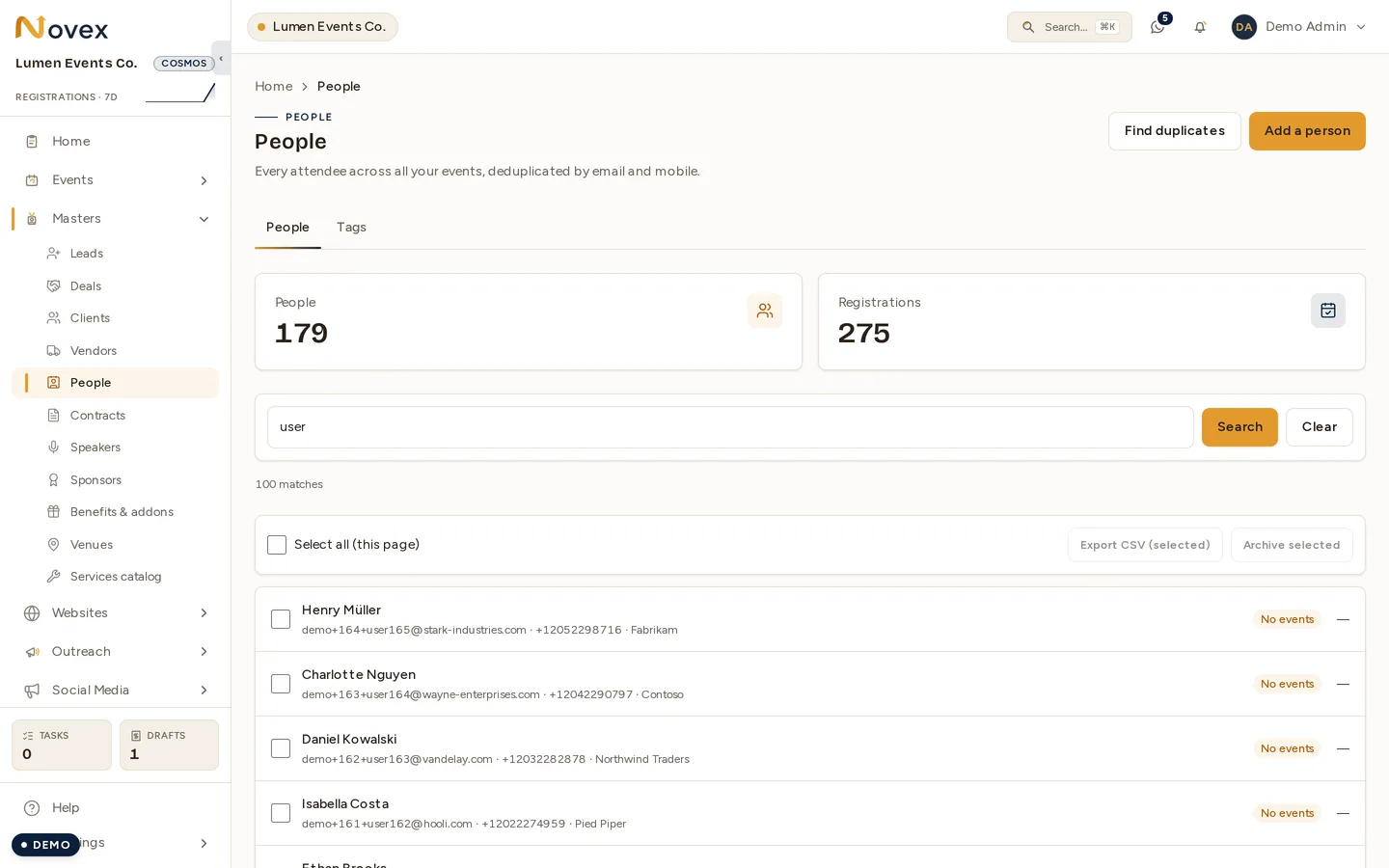
The People master carries names in both languages, city and country, language, guest/VIP as a real type rather than a tag, gender, dietary requirements, national ID, consent, and staff notes.
Consent is a state, not a checkbox. “Nobody asked” is stored distinctly from “they said no” — because those are different facts and treating an unasked person as a refusal loses information you may legitimately need.
The mobile number is the identity key, and it is not editable
A person is keyed on their mobile number. You supply it when you create a person — every funnel starts with a mobile and a country code, and a staff manual add is a funnel — and it is refused outright if it cannot be parsed.
Updating a person never changes it. Changing the identity key is an identity change, and it has to prove itself over a verification code sent to the new number, not be overwritten from a staff screen. The express registration door is where that proof happens.
Tags
Tags are a catalog plus a join, not free text on each person. That is what makes a rename safe: renaming a tag renames it on all 4,000 people at once, which is exactly what you need when you build an invitation list by tag.
Manage them on the Tags tab of the People master, at /people?tab=tags.
(The old /people/tags address still works — it redirects there.)
Vendors
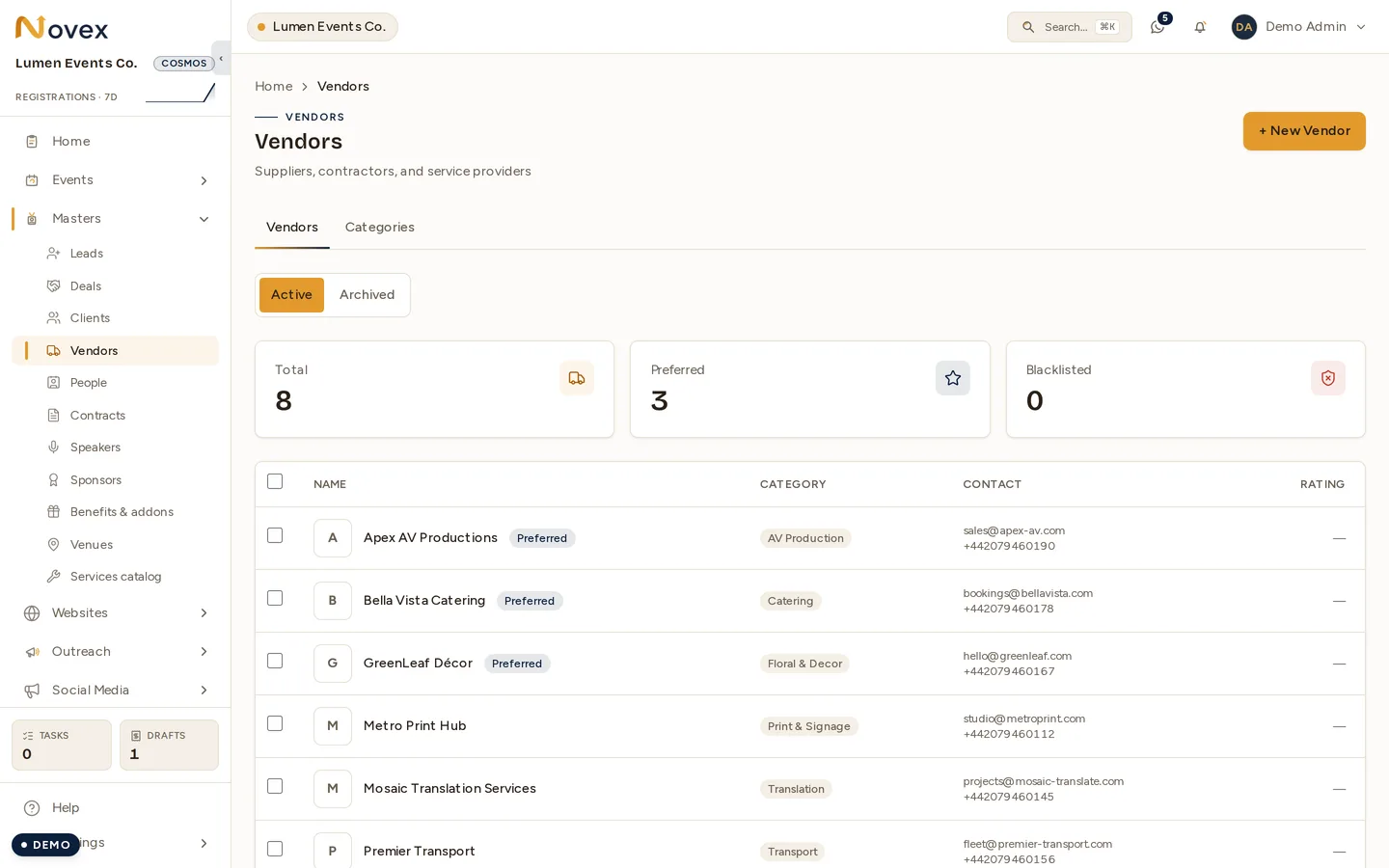
The Categories tab beside the list is the taxonomy itself — vendor categories are edited there, not on a screen of their own.
The vendor category taxonomy is editable — categories are rows you can add
to and rename, at /vendors/categories. Your workspace starts populated with
the standard list, so the screen opens with what the vendor form has always
shown.
Vendors also gain a thin link to events, so a shortlisted vendor exists — previously a vendor reached an event only through a purchase order or an invoice, which meant “we are considering them” had nowhere to live.
Benefits & add-ons
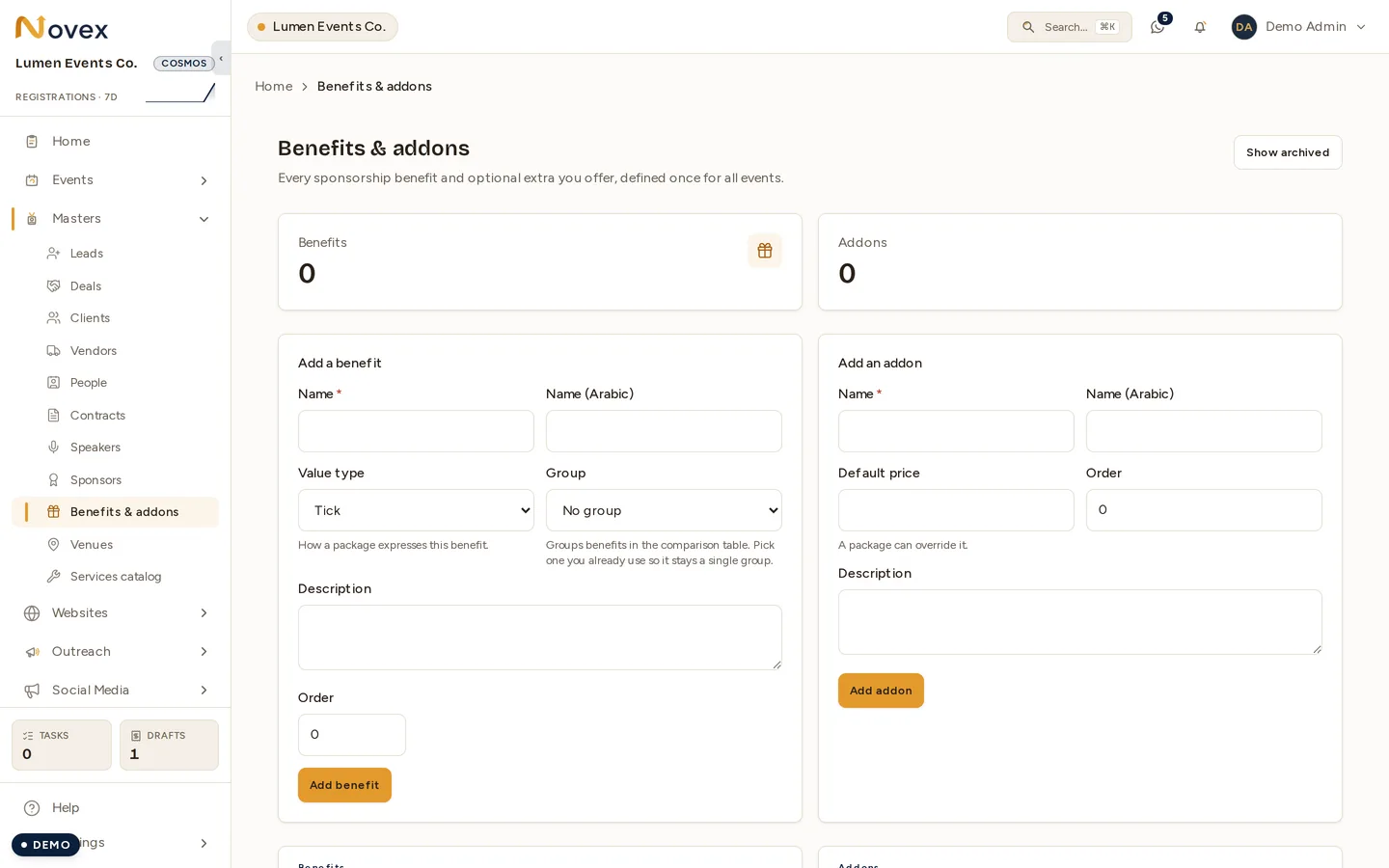
Shown empty, which is where every workspace starts: the catalogue is yours to define, and nothing is seeded into it. A benefit’s value type is how a package expresses it — a tick, a number, some text, or an amount.
The catalog behind sponsorship packages. A benefit carries a kind — tick, number, or text — which is what lets a public comparison table line up Platinum’s 10 passes against Gold’s 4 instead of rendering two unrelated rows.
Packages pick from this catalog rather than retyping benefits, so renaming one here renames it on every package of every event that picked it. A package sets its own value for the benefit, and can mark it Excluded to show an explicit cross where a pricier package shows a tick. See Package builder.
Services
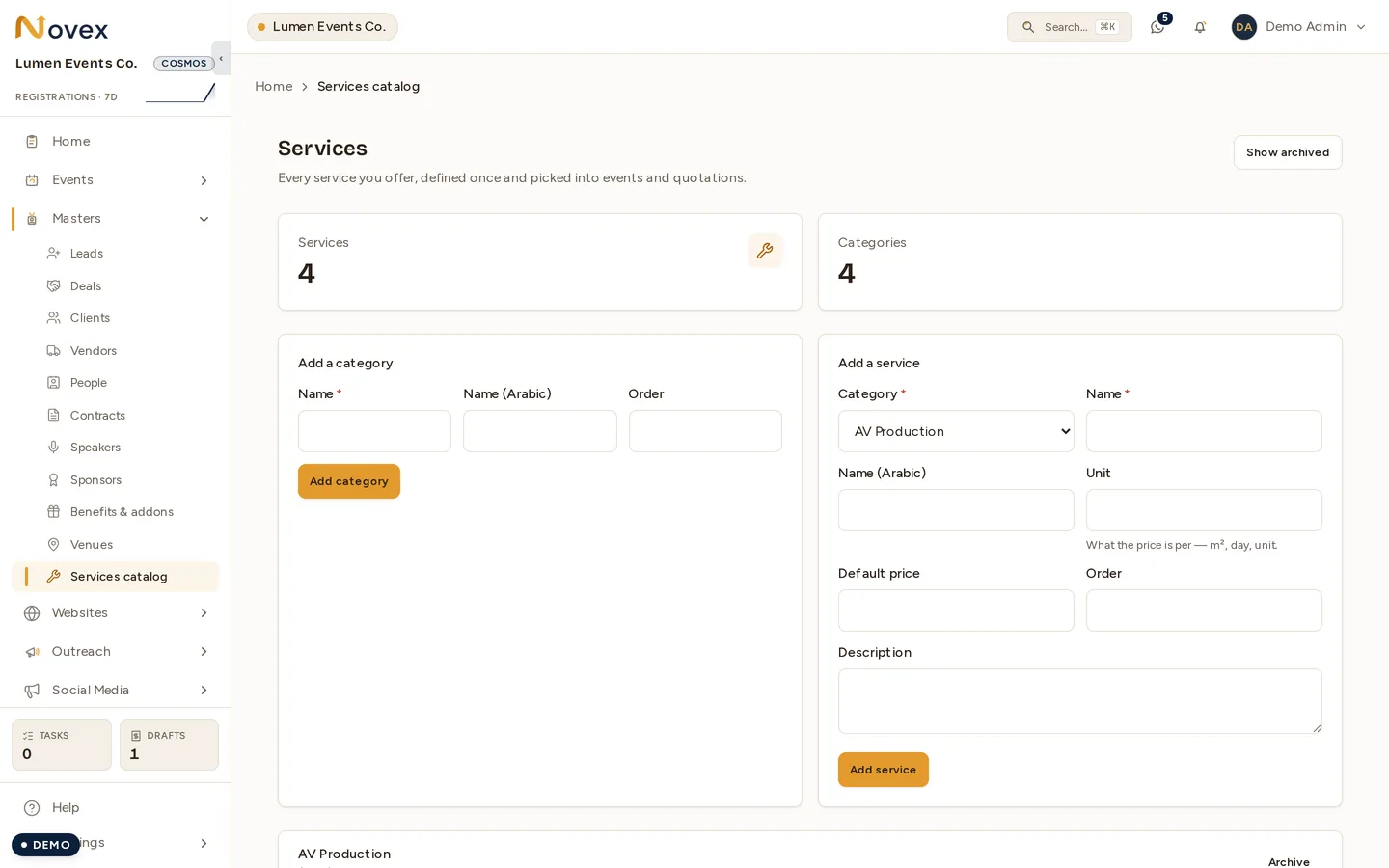
A service’s unit is what its price is per — m², day, or unit — and it is what a quotation multiplies against.
Services you quote for, with their parameters held in their own structured fields rather than a free-text blob — so a quotation line can be validated against them.
Access follows the quotation permissions, because quotation building is what consumes this master.
Speakers and Customers
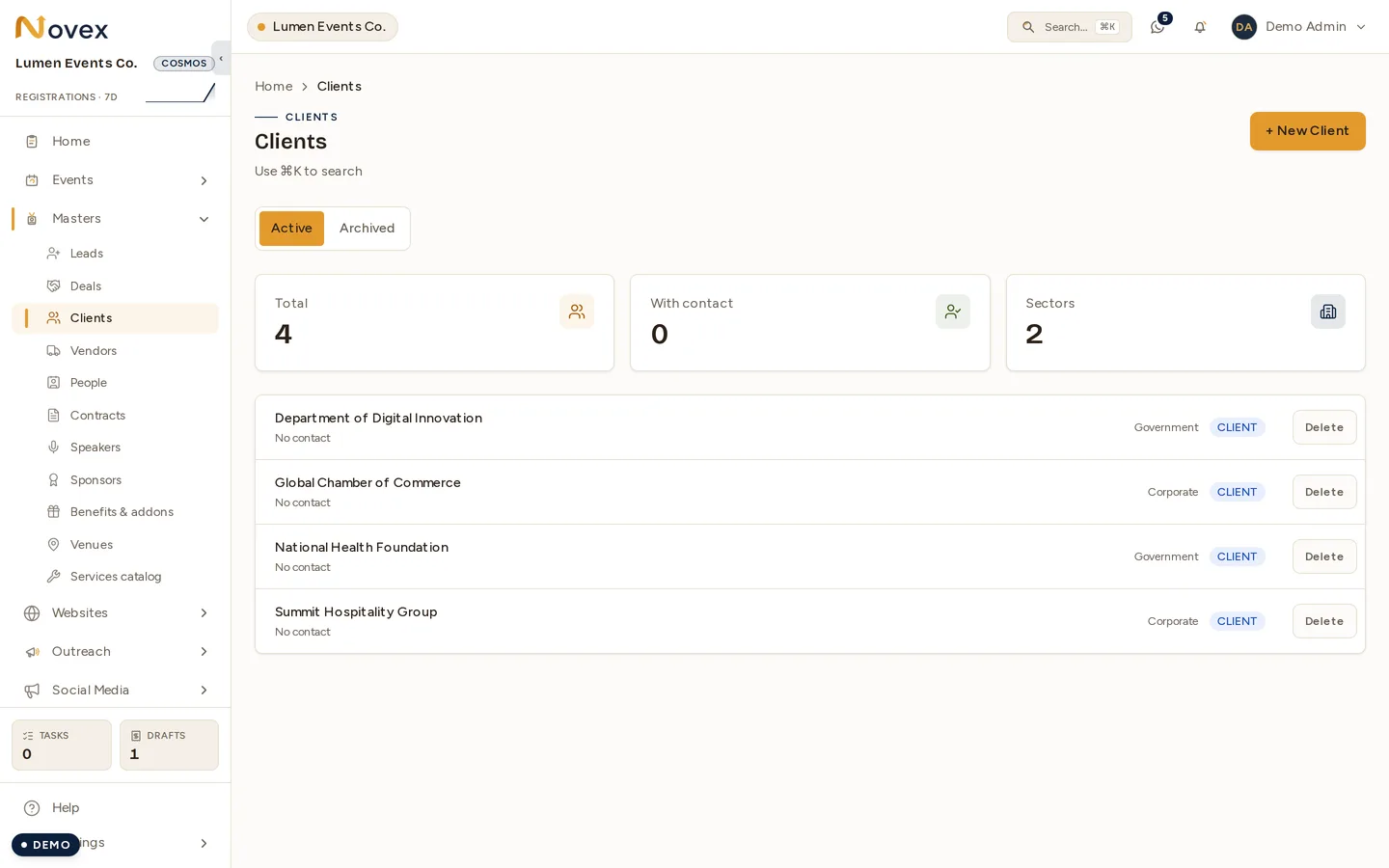
Speakers have their own section, and the master list behind it is the same shape:
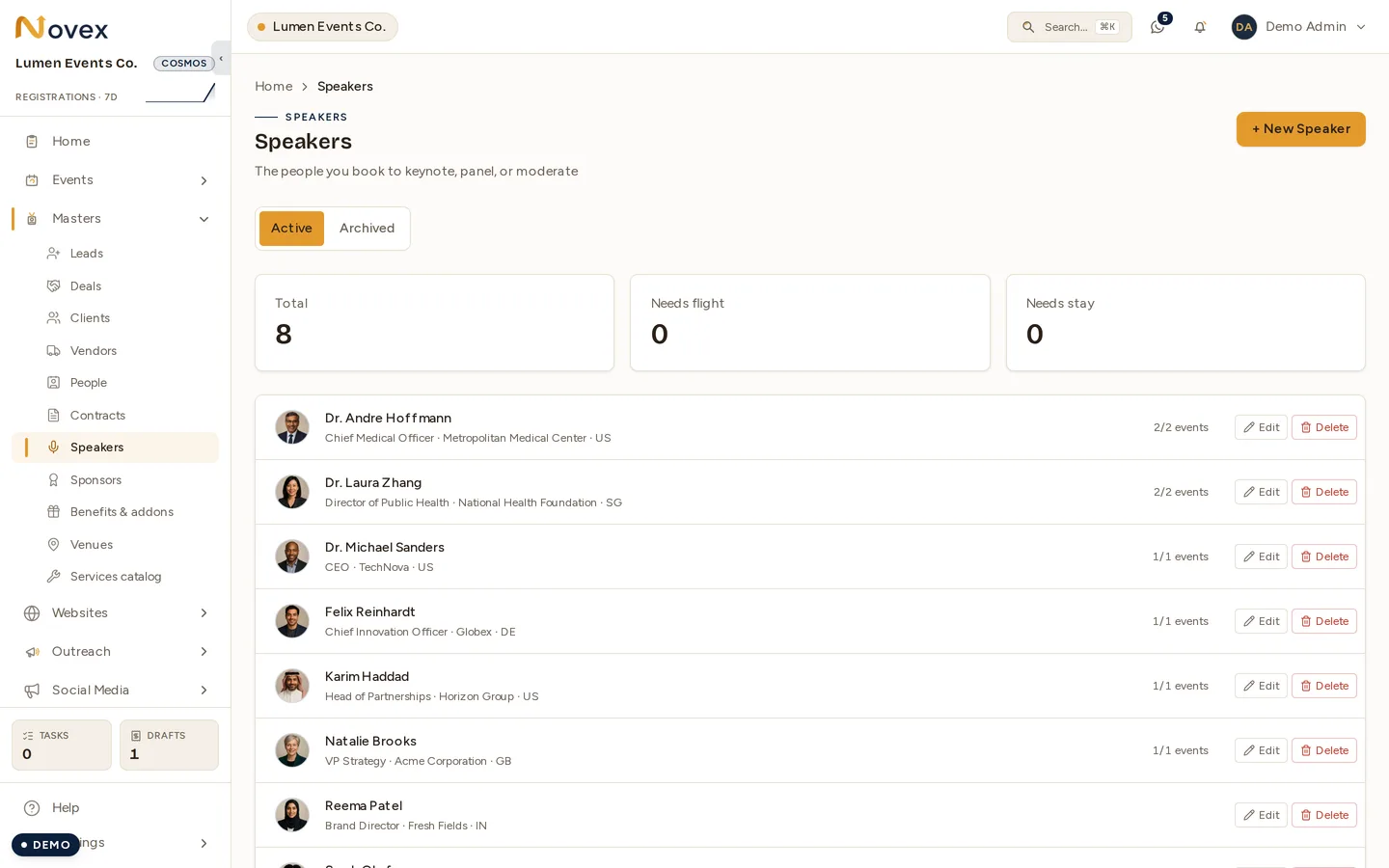
Both link to a person in the People master — but only on an exact identifier match: the same canonicalised mobile, or the same email. Never on a name.
A human makes the link. Automatic name matching was rejected deliberately: only about one speaker in nine has a phone number on file, so it would match almost nothing — and where it did fire, a shared office number would attach one person’s journey timeline to somebody else’s public speaker profile.
A customer can also hold booths on an event’s floor plan — buying floor space without buying a sponsorship package — and may hold several.
Permissions
Each master follows the permission of its own area — People follows registration, Vendors follows vendors, Benefits follows sponsors, Services follows quotations. See Team & roles.
Related
- Merging duplicate people — finding, reviewing and folding duplicates.
- Clients & CRM — working with customer records.
- Invitations — building on the People master.