Required fields
All three ways to register ask for the same built-in fields. A registration taken through the event page is as complete as one taken through the hosted form or an embed on your own website — same required set, enforced the same way.
The built-in set
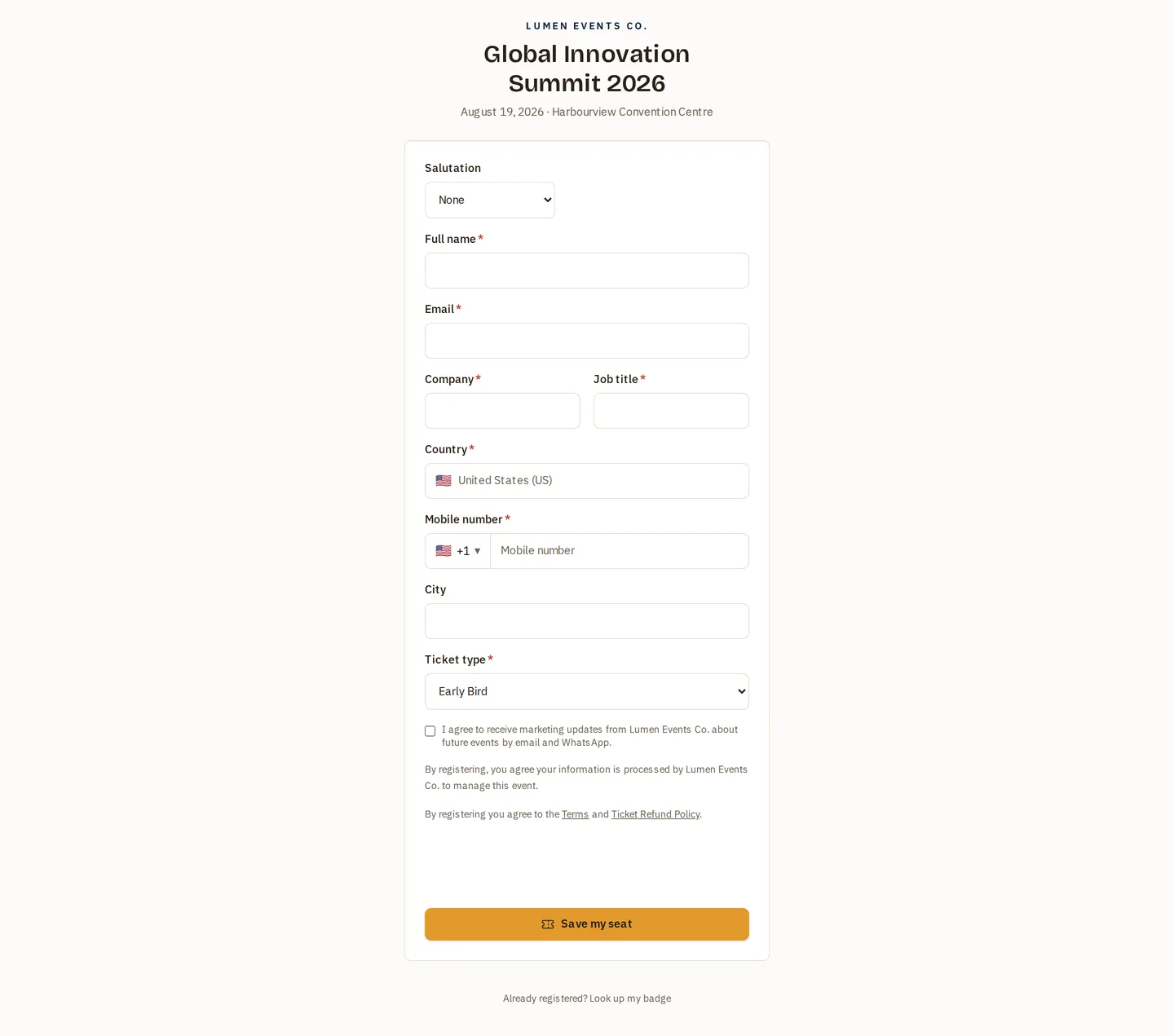
| Field | Required |
|---|---|
| Full name | ✅ Always |
| ✅ Always | |
| Mobile | ✅ Always |
| Country | ✅ Always |
| Job title | ✅ Always |
| Company | ✅ Always |
| Salutation | Optional |
| City | Optional |
Job title and company are required. They used to be required on the step-by-step event-page form only, which meant the same event collected complete badges through one route and blank organisations through the others. They are now part of the required set everywhere.
Anything you add yourself — dietary needs, custom questions, consent boxes — is governed by the required/optional setting you choose per field, independently of this list. See Custom questions.
The three funnels
| Where | Address |
|---|---|
| Event page form | the step-by-step form on your public website |
| Hosted registration page | /r/<tenant-slug>/<event-code> |
| Embedded form | the embed on your own site |
Each one validates the required set in the browser and again on the server, so a registration cannot arrive incomplete regardless of which form produced it or how it was submitted.
What this means in practice
- Badges and exports are consistently populated. Job title and company are the two fields most often printed on a badge and most often used to segment an attendee list; a funnel that skipped them produced records you had to chase.
- Switching funnel changes nothing about data quality. Move an event from the hosted page to an embed mid-campaign and the registrations keep the same shape.
- Existing registrations are untouched. The rule applies to new submissions; records collected before it are not retroactively invalidated. Fill gaps from the attendee list, or by importing a corrected sheet.
Related
- Public registration — the hosted page.
- Embeddable form — the embed.
- Managing registrations — the attendee list, import and export.