Sender domain
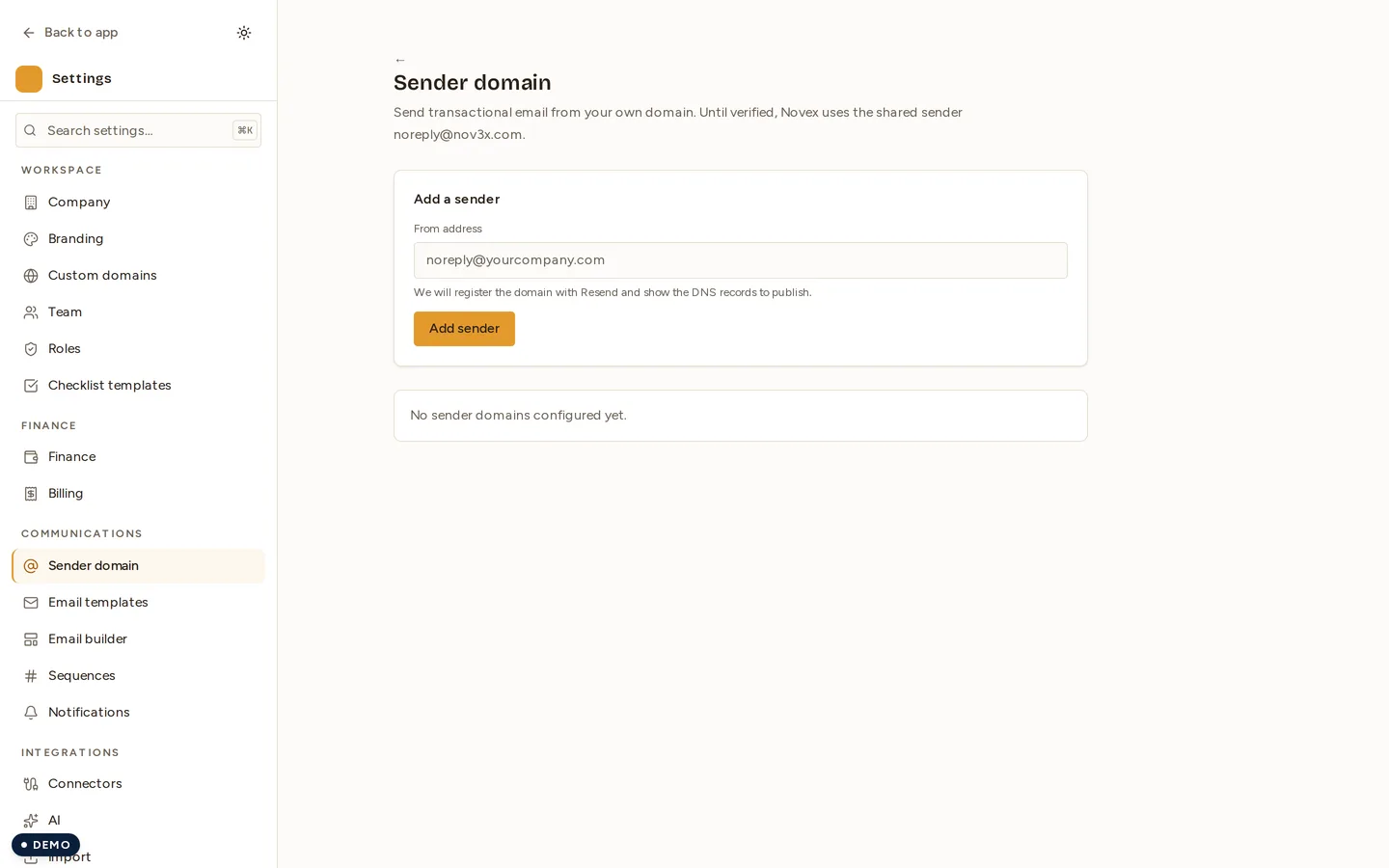
Every confirmation, invoice and reminder Novex sends goes out from an email
address. Until you configure your own, that address is Novex’s shared sender —
noreply@nov3x.com. Adding a sender domain replaces it with one of yours, so
the mail your attendees receive comes from you.
Where to find it
Settings → Communications → Sender domain.
Add a sender
- Enter the from address you want to send as —
noreply@yourcompany.com,events@yourcompany.com, whatever fits. - Press Add sender.
- Novex registers the domain with the mail provider and shows you the DNS records to publish.
- Publish those records with whoever hosts your DNS, then come back and let Novex re-check.
Until the records are live and verified, mail keeps going out from the shared sender. Nothing breaks while you wait.
Why the DNS records matter
The records Novex asks for are what let receiving mail servers confirm that the message really came from your domain. Without them, mail sent as your domain is either rejected or filed as spam — which is worse than sending from the shared sender, because the recipient never sees it at all.
This is also why the address cannot simply be typed into a settings box and used immediately: the domain has to be proven, not claimed.
One domain, many events
A verified sender domain belongs to the workspace, so every event uses it automatically. You do not configure it per event.
Related
- Custom domains — the domain your public event pages are served from. Different setting, different records, same idea.
- Email preferences — which Novex emails you receive.