Email preferences
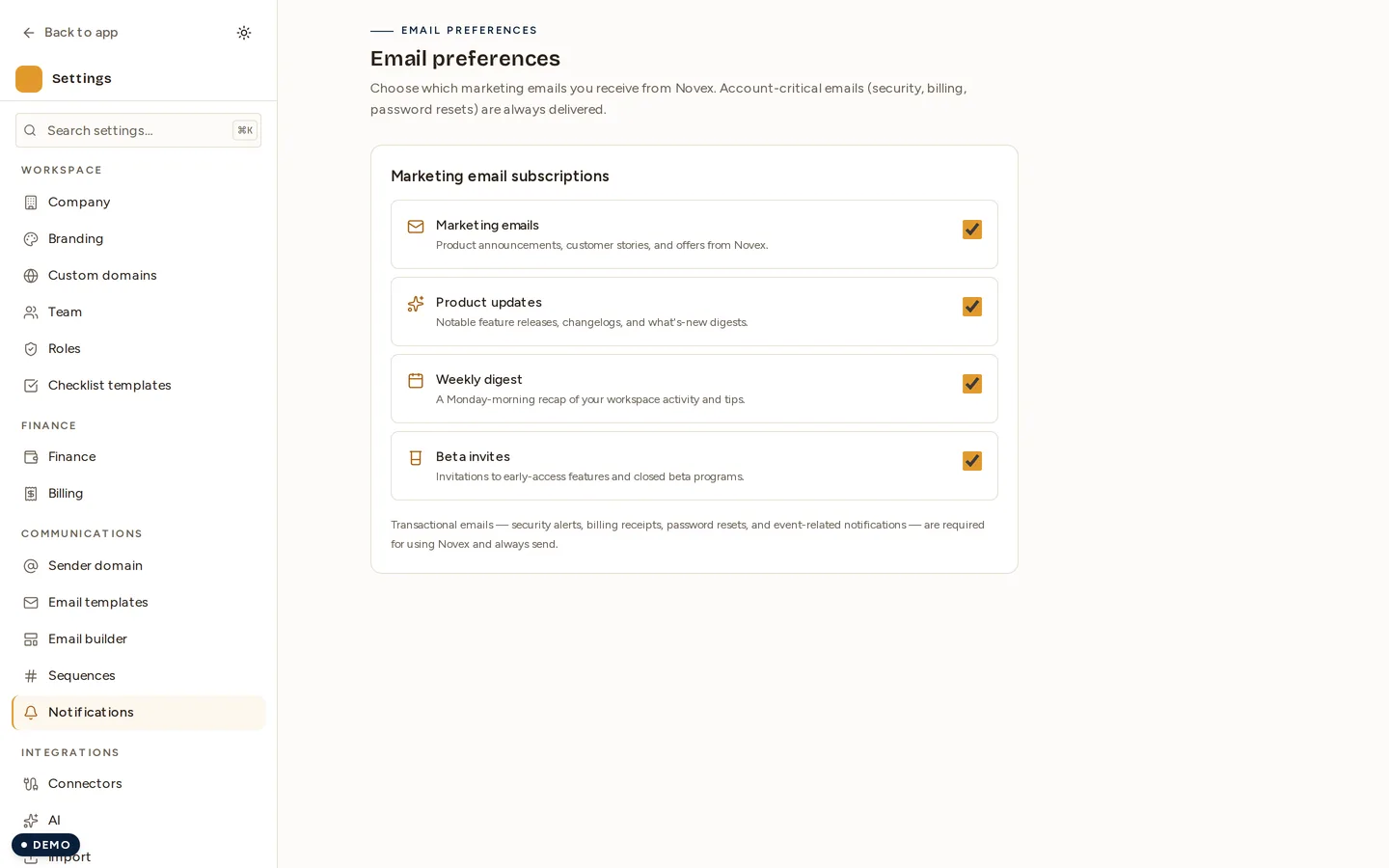
This page controls what Novex sends you, not what Novex sends your attendees. It is a personal setting: your choices here do not change anything for your teammates.
Where to find it
Settings → Communications → Notifications.
What you can turn off
| Subscription | What it is |
|---|---|
| Marketing emails | Product announcements, customer stories and offers from Novex |
| Product updates | Notable feature releases, changelogs and what’s-new digests |
| Weekly digest | A Monday-morning recap of your workspace’s activity and tips |
| Beta invites | Invitations to early-access features and closed beta programmes |
Untick one and it stops. There is no confirmation step and no cooling-off period.
What you cannot turn off
Transactional email always sends. Security alerts, billing receipts, password resets and event-related notifications are part of using Novex — they are how you find out that someone signed in from a new device, or that a payment failed. Switching them off would not be a preference, it would be a hole.
Not the same as your attendees’ email
Nothing on this page affects the confirmations, reminders or invoices your workspace sends to its audience. Those are configured per event, and the address they come from is set in Sender domain.
Related
- Sender domain
- Team — who else has access to this workspace